
CCTV image guide
How to improve CCTV night vision and dark images
Poor night footage is not always a camera fault. Start by identifying what changes after dark and test one adjustment at a time.
- Free site inspection and quotation
- Engineer led, no salespeople
- No callout charges for 3 months after installation
Before you buy
Diagnose the picture before buying a new camera
A camera that works well in daylight can produce a dark, blurred or washed-out image at night. The cause may be insufficient light, excessive infrared reflection, vehicle headlights, a dirty dome or an unsuitable viewing angle. Replacing the camera without identifying the problem can reproduce the same result.
Begin with the job the image must do. Detecting movement at a fence is different from recognising a face at a door or reading a number plate. Review recorded footage rather than judging only a live monitor, because compression and recording settings can alter detail.
Make changes safely and keep a note of the original configuration. Electrical work, cameras at height and unfamiliar recorder settings require the right expertise. Do not disable privacy masks, reduce security or point extra lighting towards neighbouring property or roads in pursuit of a brighter picture.
Understand infrared and white-light images
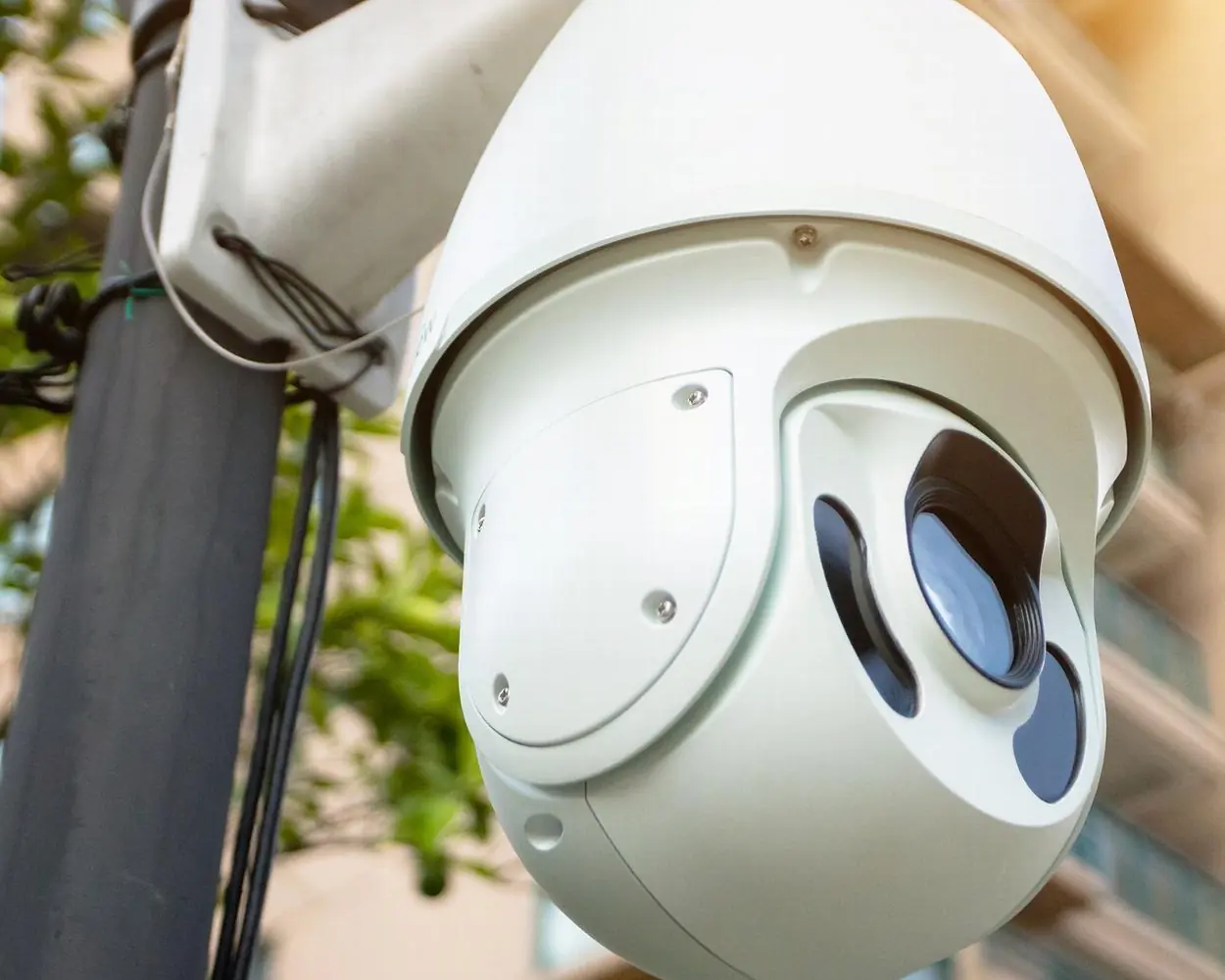
Many cameras use infrared illumination and switch to monochrome in low light. Infrared is outside the visible spectrum, so a scene can look dark to a person while the camera still has a usable image. The illuminator needs to cover the required distance and field of view without overexposing nearby objects.
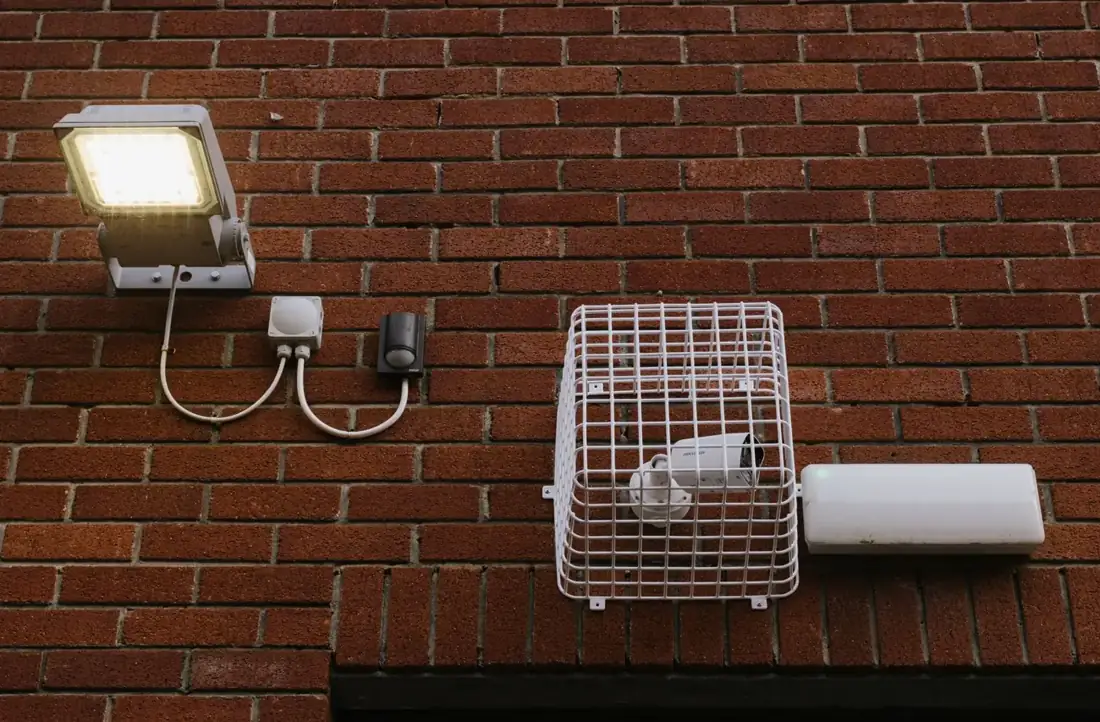
White-light illumination can support colour images and improve general visibility, but it changes the site environment. The camera, lights and operating controls should be designed together. Some cameras combine modes or use supplemental lighting only when activity occurs; the correct choice depends on the scene and the purpose of recording.
A higher resolution setting does not create light or recover detail that the sensor has not captured. Increasing digital gain can brighten noise as well as the subject, while aggressive noise reduction can smear moving detail. Assess the complete image rather than brightness alone.
Monochrome infrared
Useful for discreet illumination and detection, provided reflections and the distance to the subject are controlled.
Colour with visible light
Can preserve colour information when suitable white lighting is available, but needs careful control of glare and light spill.
Remove reflection and contrast problems
Infrared light can bounce back from a nearby wall, soffit, bracket, dome cover, water droplet or spider web. The result is often a bright haze while the rest of the scene becomes darker. Clean the exterior correctly and inspect the camera's immediate surroundings before changing exposure settings.
Avoid aiming directly at bright lamps or positioning a camera where headlights dominate the frame. A small change in height or angle can improve the balance. Wide dynamic range features may help scenes containing bright and dark areas, but they cannot recover a subject hidden behind glare or obstruction.
Reflective vehicle plates and packaging need particular attention. The illumination that works for a person beside the vehicle may not work for its registration. ANPR entrances require a dedicated, tested design rather than relying on a general yard camera.
Check motion detail and recording settings
Slow shutter behaviour in low light can leave moving people and vehicles blurred even when a stationary test image looks sharp. Frame rate, exposure, gain and noise reduction interact, so settings should be adjusted against real movement in the scene. A brighter, static image is not necessarily better evidence.
Confirm that night recording uses the intended resolution and compression and that the monitor is not masking a soft original file. Export a sample and review it on the computer normally used for incidents. Check timestamps and ensure the switch between day and night modes occurs reliably.
If the system uses motion recording, test whether relevant activity starts recording early enough. A person moving quickly through a dark edge of the scene may require different detection settings or continuous recording for that camera.
- Inspect recorded night clips with normal site activity.
- Clean domes and housings using the manufacturer's method.
- Check infrared reflection from surfaces close to the camera.
- Review motion blur as well as overall brightness.
Use lighting as part of the CCTV design
Even illumination across the important area is usually more useful than one very bright fitting aimed into the distance. Position lights to reduce deep shadows and avoid shining directly into the camera. Consider how parked vehicles, open doors and racking change shadows through a shift.
Photocells, timers and motion controls can operate lights when needed, but every mode should be tested with the camera. A delayed start or sudden switching may affect exposure for a short period. Keep neighbours, drivers and ecological constraints in mind when selecting and aiming external fittings.
After adjustments, save example clips and update the maintenance checklist. Repeating the same test after cleaning or lighting changes shows whether the improvement is real and provides a baseline for future faults.
FAQs
Improving CCTV at night: frequently asked questions
Why is my CCTV picture white or foggy at night?
Infrared reflection from a dirty dome, nearby surface, water or web is a common cause. Inspect and clean the camera correctly before changing settings.
Will adding a floodlight always improve CCTV?
Not always. Poorly aimed light can create glare, shadows or overexposure. The camera and lighting need to be positioned and tested together.
Why are moving people blurred in night recordings?
Low-light exposure settings can reduce motion detail, and noise reduction may soften it further. An engineer can test the balance using real movement.
Further reading
Related commercial security guides
CCTV camera types explained
Understand dome, bullet, PTZ, panoramic, thermal and number plate cameras, and where each format fits a commercial site.
Read the guideSecurity lighting for businesses
Plan external lighting for safer movement and clearer CCTV while avoiding glare, dark shadows, nuisance and wasted energy.
Read the guideCCTV maintenance checklist
A practical checklist for camera images, recording, storage, user access and the site changes that quietly weaken CCTV coverage.
Read the guide
Sources
External references used for this guide
Night footage not showing what you need?
An engineer can assess the cameras, lighting and recording settings together rather than guessing at a replacement.
Free site inspection
Arrange a night-image assessment
Describe the affected cameras and when the problem occurs, and keep a short example recording available for the engineer.
Or email info@msmesecurity.co.uk
- Monday to Friday: 9am to 6pm
- Saturday and Sunday: 11am to 5pm