
CCTV maintenance guide
CCTV maintenance checklist for business premises
A live picture on one monitor does not prove that every camera is recording correctly. Use a repeatable checklist to find faults before an incident does.
- Free site inspection and quotation
- Engineer led, no salespeople
- No callout charges for 3 months after installation
Before you buy
Check the whole chain from scene to exported clip
CCTV faults often remain unnoticed because the system appears to be working. A camera can show a live image while another channel has stopped recording, a full disk can be unhealthy, and a new stack of pallets can obscure a previously useful view. Maintenance needs to test the complete chain rather than a single status light.
MSME Security recommends maintenance twice a year for CCTV systems, alongside sensible routine checks by the site team. The right schedule also depends on the environment, manufacturer instructions and how critical the coverage is. Dusty, external and high-use systems may need more frequent attention.
Separate simple user observations from electrical, network and access work that belongs to a competent engineer. Staff should not climb to cameras, open electrical enclosures or change unfamiliar settings. Record concerns promptly instead of attempting an unsafe repair.
Start with the scene and camera condition
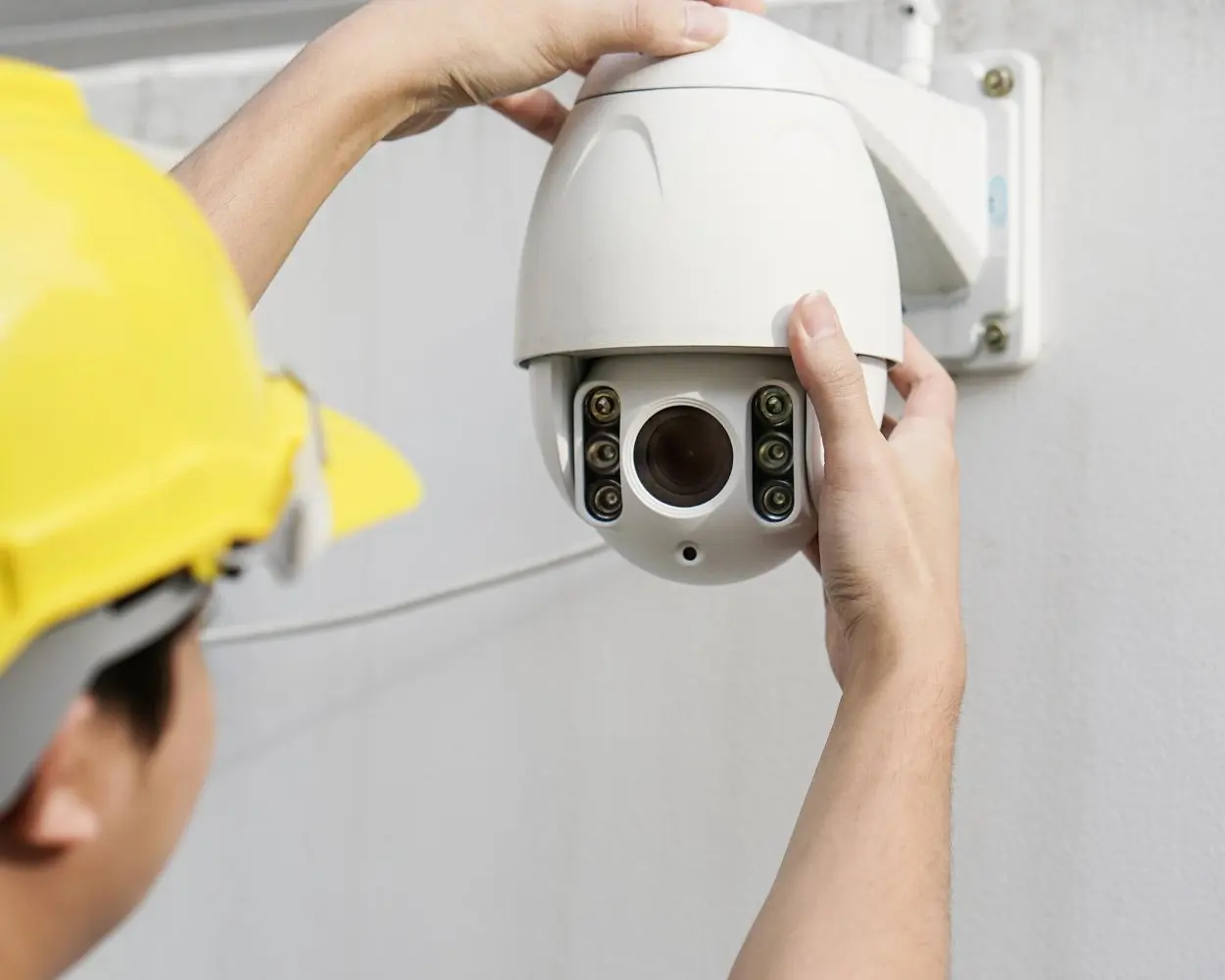
Review every camera against the original camera schedule. Confirm that its field of view still covers the intended door, aisle, gate or work area. Look for new racking, signage, vehicles, foliage and building alterations, and note any bracket movement or deliberate redirection.
External housings and domes should be inspected for dirt, moisture, corrosion and damage. Cleaning needs the correct method for the material, because an abrasive cloth or unsuitable chemical can leave scratches that scatter light. Check mounts and visible containment from a safe position for looseness or deterioration.
Compare daytime and night-time images. Infrared reflections, spiders, condensation and nearby lamps may be obvious only after dark. Also check whether temporary lights, reflective wrapping or vehicle headlights create glare during normal operations.
Image quality
Look for softness, flicker, obstruction, poor framing and compression artefacts, not just whether a picture is present.
Physical condition
Record damage, water ingress, unstable brackets, perished seals and visible cable problems for professional attention.
Scene changes
Compare the current view with the accepted design whenever layouts, stock, fencing or lighting change.
Verify recording, retention and playback
Check that every required channel records at the intended times and settings. Select footage from several earlier dates, including a point close to the expected overwrite limit. Confirm that timestamps and time zones are correct, particularly after clock changes or power work.
Review recorder and disk health information where available, but do not rely on it alone. Missing time segments, unexpected gaps and a retention period that has shortened deserve investigation. If a camera uses local storage or an uninterruptible supply, include those components in the test plan.
Export a short clip using the normal authorised procedure and play it on the intended computer. This confirms that the export function, player or codec and evidence copy all work. Delete test exports according to your footage-handling policy.
Review users, connections and remote access
Remove access for leavers and review who can administer the recorder, view cameras and export footage. Shared logins make accountability difficult. Password recovery details and administrative ownership should be known to the organisation, not held only by a former contractor.
Check remote viewing and alerts with an authorised user. Broadband changes, replacement routers and expired accounts can interrupt them even though local recording continues. An engineer should assess firmware and software updates for compatibility and security rather than applying every update without a plan.
Inspect available switch, power and cable labels against the system documentation. Clear records shorten fault diagnosis and reduce accidental disconnection during unrelated IT or electrical work. Any network testing should be coordinated so it does not interrupt essential recording without warning.
- Test live view, recording, playback and export as separate tasks.
- Check actual retention against the organisation's written policy.
- Review user accounts and remote access after personnel or IT changes.
- Keep a dated log of faults, work completed and outstanding actions.
Turn findings into a useful service record
A maintenance report should identify the system, date, cameras checked, tests performed and defects found. Include the condition of recording and storage, any settings changed and parts replaced. Mark safety or security-critical issues clearly and agree what temporary coverage or response is needed.
Repeat patterns are valuable. Condensation in one housing may indicate a sealing problem, while recurring network loss at one position may point to a cable or switch fault. Use the history to address causes rather than repeatedly resetting equipment.
Finish by updating the camera schedule and confirming who owns each action. A checklist is effective only when its findings lead to repairs, revised coverage or user training before the next incident.
FAQs
CCTV maintenance checklist: frequently asked questions
How often should commercial CCTV be serviced?
MSME Security recommends twice-yearly CCTV maintenance, with routine site checks in between. Environment, usage and manufacturer guidance may justify a different schedule.
Can staff carry out CCTV maintenance themselves?
Staff can note image problems, check authorised playback and report changes. Work at height, electrical enclosures and technical settings should be left to competent people.
Why is exporting a test clip important?
It proves that recordings can be retrieved and played outside the recorder. A live view alone does not test storage, timestamps or the evidence-export process.
Further reading
Related commercial security guides
CCTV footage retention
Set and document a CCTV retention period around your purpose, incident handling and storage rather than following an arbitrary number of days.
Read the guideImproving CCTV at night
Diagnose glare, dark scenes and soft night footage through camera positioning, lighting, cleaning and controlled settings.
Read the guideIP vs analogue CCTV
Understand differences in camera signals, cabling, recording, expansion and existing-system upgrades without assuming newer means better.
Read the guide
Sources
External references used for this guide
When was your CCTV last checked end to end?
Arrange an engineer-led inspection of camera views, recording, storage and remote access before small faults become missing evidence.
Free site inspection
Request a CCTV maintenance visit
Tell us the approximate camera count, recorder type and any faults, blind spots or playback problems you have noticed.
Or email info@msmesecurity.co.uk
- Monday to Friday: 9am to 6pm
- Saturday and Sunday: 11am to 5pm