
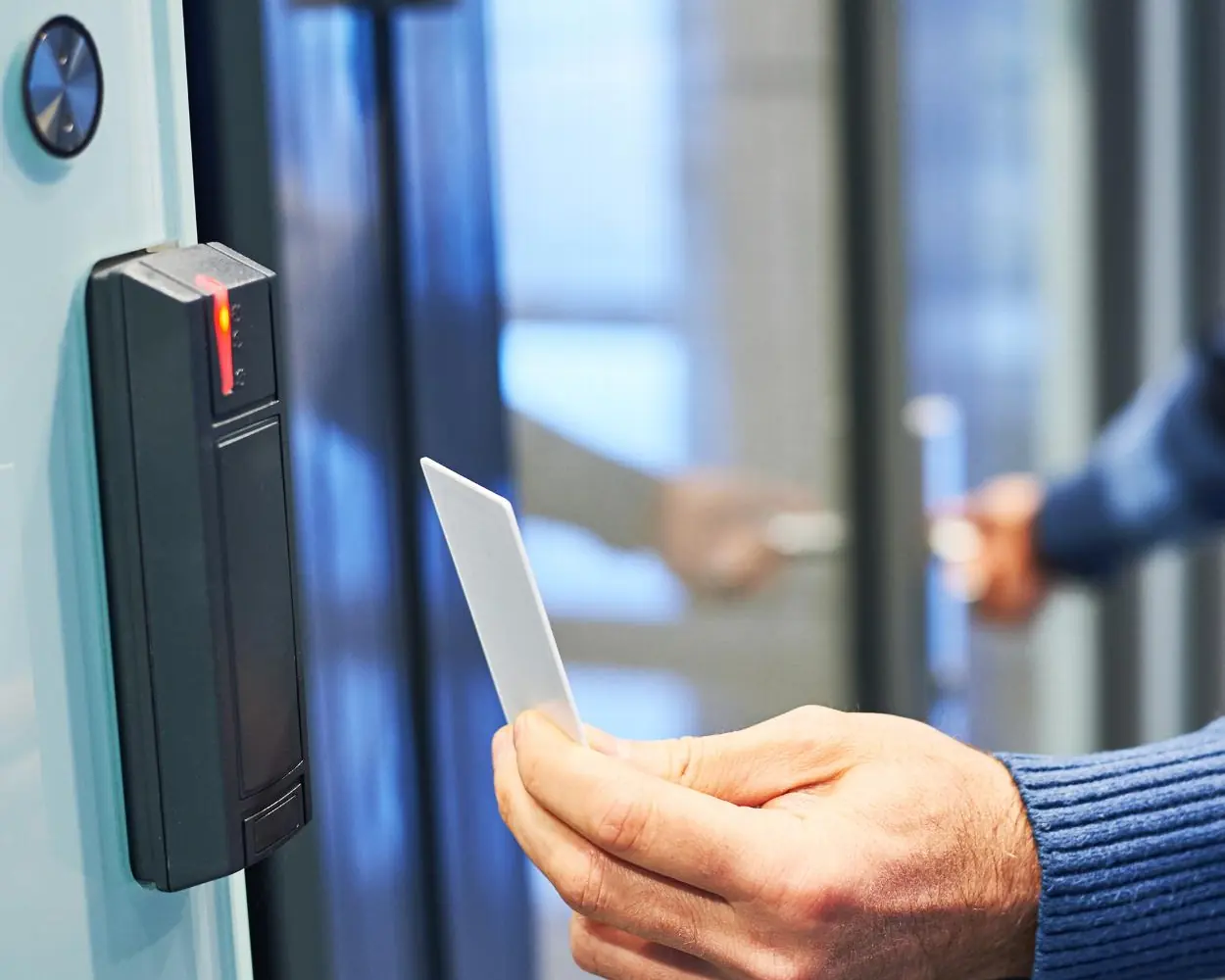
Access control maintenance guide
Access control maintenance checklist for commercial doors
A reader that beeps does not prove the door is secure or safe. Maintenance must test the mechanical door, electronic decision and escape operation together.
- Free site inspection and quotation
- Engineer led, no salespeople
- No callout charges for 3 months after installation
Before you buy
Maintain the door as well as the electronics
Access control faults are often blamed on the reader when the real problem is a sagging door, worn closer or misaligned latch. Conversely, a smooth mechanical door may still have an unreliable power supply, outdated user list or failed network connection. A complete check covers both sides.
MSME Security advises routine access control maintenance at least once a year, with the engineer recommending a schedule for each component. High-traffic, external and critical doors may need more frequent inspection. Staff should also report faults and door changes promptly.
Testing must not compromise security or prevent safe escape. Coordinate work with the building's responsible people and any fire alarm or monitoring provider. Only competent people should work on electrical equipment, lock configuration and fire interfaces.
Prepare a door schedule before the visit. List every controlled opening, its location, lock type, reader, access groups and whether it forms part of an escape route. Add known problems, such as a door that sticks in wet weather or a reader that often needs a second attempt. The schedule helps the engineer test each door consistently and gives the site team a clearer record after the work is complete. Include any recent changes to fire alarm links, working hours or network equipment, because those details can explain faults that otherwise look like reader or lock failures.
A short list of recurring user complaints is also useful. Reports such as a door being slow to release, a fob working only at one reader or a door alarm sounding after deliveries can point the engineer towards a mechanical, configuration or operational cause.
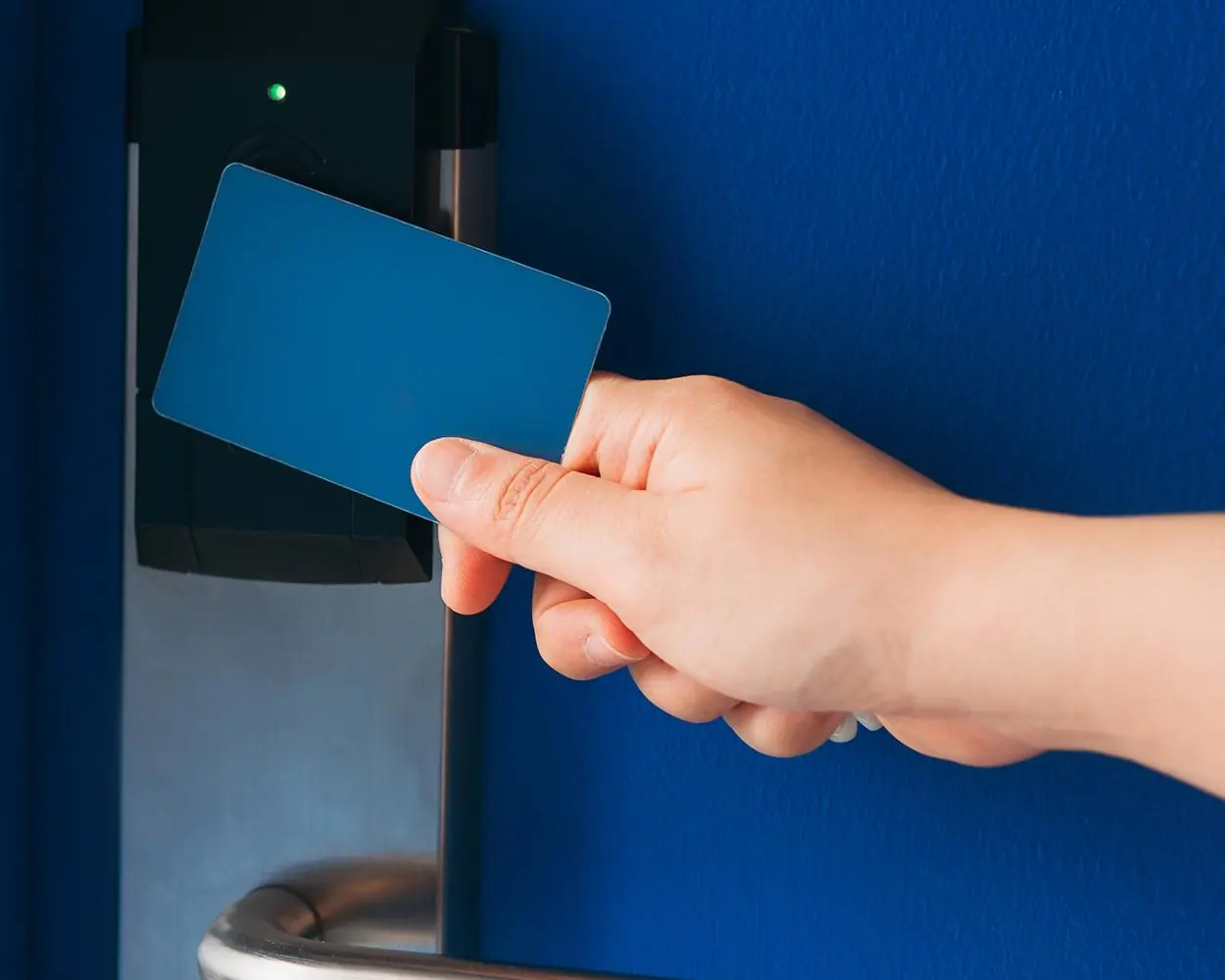
Inspect the mechanical door and locking hardware
Open and close the door through its normal cycle. Look for loose hinges, damaged frames, rubbing, excessive slamming and a closer that fails to return the leaf fully. The lock cannot be assessed properly while the door itself is misaligned.
Check the electric strike, maglock or other hardware for secure mounting and correct engagement. Inspect armature plates, latches, brackets and request-to-exit devices as applicable. External equipment also needs attention for corrosion, moisture and impact.
Fire doors must retain their required mechanical performance. Do not add wedges, remove closers or adjust hardware merely to make access more convenient. Any damage or alteration should be escalated to the appropriate competent person.
Closing and latching
Confirm that the door closes fully and the lock engages or holds as designed without excessive force or manual assistance.
Normal and emergency exit
Test the installed exit devices and coordinated release arrangements according to the door's approved design.
Test readers, controllers and power
Use known authorised and unauthorised test credentials to check each reader and permission. Confirm that door contacts, exit buttons and forced or held-open warnings operate where fitted. Investigate intermittent reads rather than repeatedly presenting the credential until it works.
An engineer should inspect controllers, power supplies and standby arrangements, checking for damage, warnings and suitable environmental conditions. Test power-loss behaviour according to the agreed door schedule and restore the system fully afterwards.
Networked doors need communication checks and confirmation that local behaviour during a network interruption matches the design. Record firmware or software changes and verify compatibility before applying updates.
Review users, software and event records
Remove leavers and obsolete contractor access, then review access groups and administrator permissions. Check for unassigned credentials and shared accounts. The technical system can only enforce permissions that administrators keep accurate.
Inspect event logs for repeated denied attempts, door-held-open alarms, offline controllers and unexplained changes. These can reveal user training needs or developing hardware faults. Retain and handle event data according to the organisation's documented policies.
Test backup and recovery arrangements for management software and confirm that the organisation holds the necessary administrator and licence details. Remote support accounts should be controlled and removed when no longer required.
- Test both accepted and rejected credentials.
- Inspect mechanical closing before blaming the reader.
- Review users, administrators and obsolete credentials.
- Record power, network and emergency-operation test results.
Document defects and operational changes
A service report should identify each door, the tests performed, defects, adjustments and parts used. Mark any door with impaired security or escape operation and agree the immediate controls needed while it is repaired.
Tell the maintenance provider about new partitions, changed working hours, replacement network equipment or altered fire arrangements. These changes can affect permissions and safety even when no component has failed. Update the door schedule and user instructions after work is complete.
FAQs
Access control maintenance: frequently asked questions
How often should access control be maintained?
MSME Security advises at least annual routine maintenance. Door use, environment, component instructions and the site's risks may justify more frequent checks.
Why does my door reader work but the lock not open?
The cause could involve permissions, wiring, the controller, lock or door alignment. Avoid forcing the door and arrange a complete inspection.
Should fire alarm interfaces be tested during maintenance?
Where fitted, they should be checked under a coordinated procedure by the relevant competent people so escape and fire-system operation are not compromised.
Further reading
Related commercial security guides
Electric strike vs maglock
Understand how electric strikes and electromagnetic locks work, and why door construction and escape requirements drive the choice.
Read the guideKey fob door entry systems
How commercial fob entry works, how to manage credentials and what to check across doors, users, software and escape routes.
Read the guideStandalone vs networked access control
Compare individual-door programming with central administration, reporting and expansion across a larger access control system.
Read the guide
Sources
External references used for this guide
Are controlled doors closing and releasing correctly?
Arrange a complete door, lock, reader and system inspection with clear records for every controlled opening.
Free site inspection
Request access control maintenance
Tell us how many doors you have, the system type if known and any sticking doors, reader faults or user-list concerns.
Or email info@msmesecurity.co.uk
- Monday to Friday: 9am to 6pm
- Saturday and Sunday: 11am to 5pm