
Access control guide
Key fob door entry systems for businesses
A fob is only the credential. Effective door entry also depends on the reader, controller, lock, door condition and a disciplined process for issuing and cancelling access.
- Free site inspection and quotation
- Engineer led, no salespeople
- No callout charges for 3 months after installation
Before you buy
Replace key management, not just the key
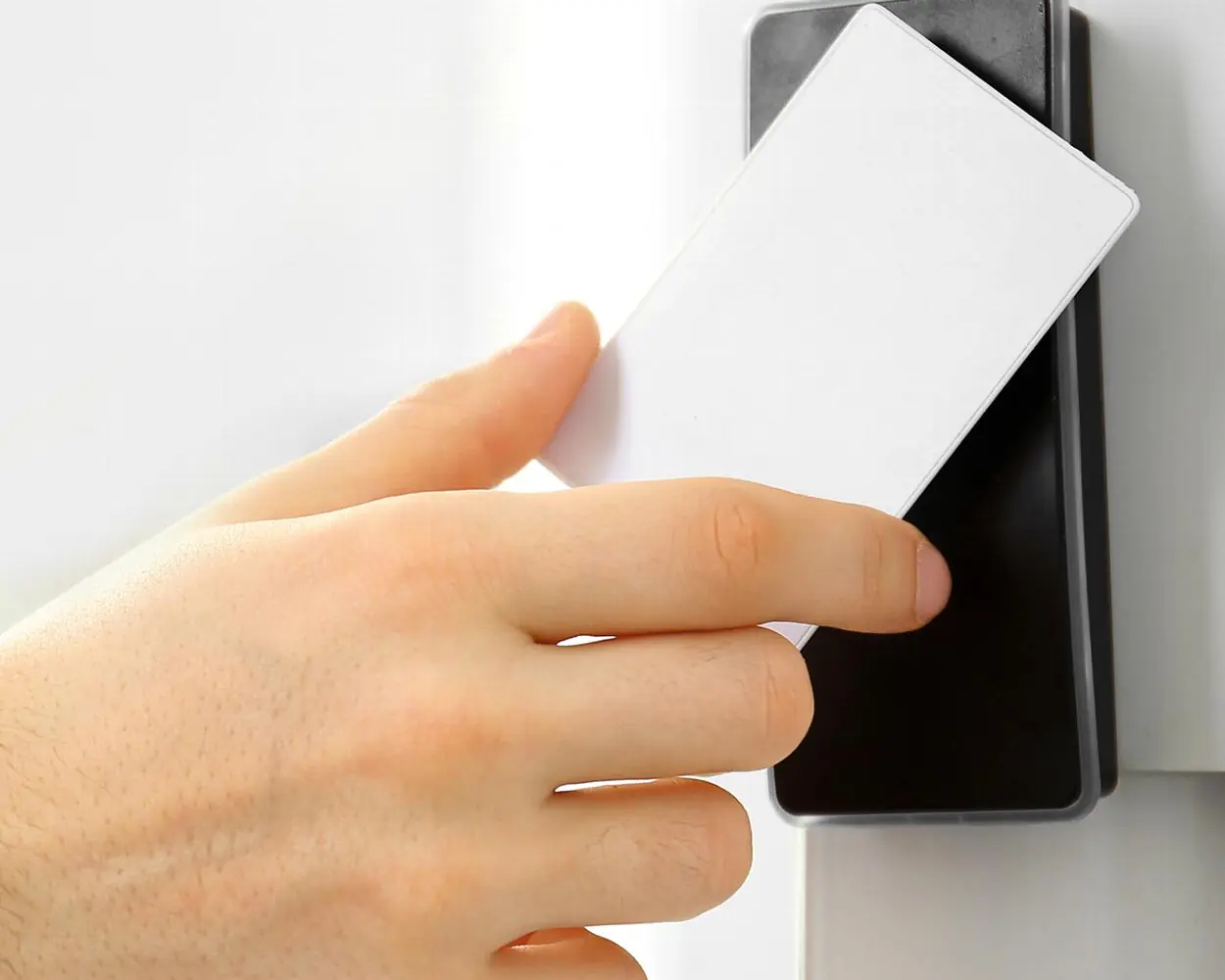
A key fob door entry system reads a small electronic credential at a reader and checks whether it may open that door at that time. The controller then operates the locking equipment and may record the event. Cards often perform the same role, while mobile credentials and biometrics use different identifiers.
Unlike an ordinary mechanical key, an individual fob can normally be disabled without changing the lock. That is valuable when a credential is lost or a member of staff leaves, but only when the administrator acts promptly and knows which fob belongs to which person.
A successful system starts with a door and user schedule. Decide who needs access to each area, at what times and whether an event record is required. The physical door, closer, lock and escape arrangements need as much attention as the reader on the wall.
Look at how keys are handled today. Lost keys, copied keys and doors left unlocked for contractors all point to the problems a fob system should solve, so record them before choosing the readers.
The components behind a fob-controlled door
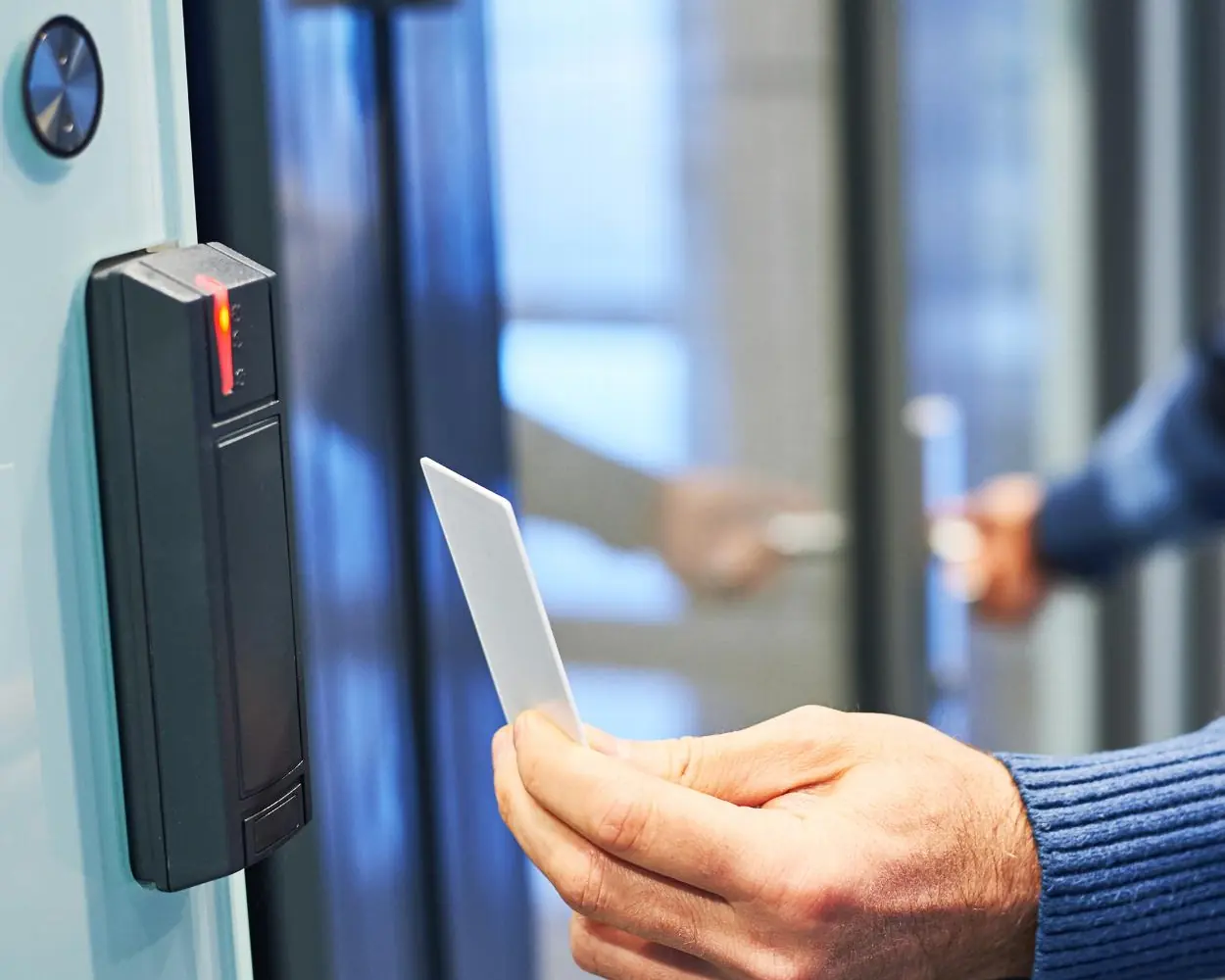
The reader detects the credential and passes its information to a controller. In a standalone system, programming is handled at the individual door or controller. Networked systems share administration across multiple doors and can provide central reporting and access groups.
The lock must suit the door's construction, traffic and fire strategy. Electric strikes, magnetic locks and other hardware behave differently. A reader cannot compensate for a warped leaf, weak frame or faulty closer, so necessary mechanical repairs belong in the project scope.
Controllers and power equipment should be located appropriately on the secure side where the design requires it. Door contacts and request-to-exit devices may also be included to monitor position and support safe, reliable operation.
Credential and reader
Provide a convenient way for a user to present an identity, with compatibility and reader position chosen for the environment.
Controller and lock
Apply the permission decision and physically secure the door, subject to correct mechanical and fire-safe design.
Set up a practical fob administration process
Issue each fob to a named person and record its identifier, access groups and issue date. Avoid shared credentials where individual accountability matters. Keep spare stock controlled and limit who can enrol or change users.
Cancel lost fobs immediately and remove leavers as part of the offboarding process. Contractors and temporary staff may need time-limited or restricted permissions. Periodic reviews help catch old credentials that were never returned or disabled.
For standalone doors, updating several controllers can take more time because each is administered separately. A networked system can simplify central changes, but requires suitable software, backups and network management. Choose according to the number of doors and the administration your team can support.
Plan fire escape and failure behaviour
Electronically locked doors on escape routes must be coordinated with the building's fire strategy. Releasing on power loss alone does not automatically address every escape requirement. The locking hardware, exit devices and any fire alarm interface need professional design and testing.
Decide what happens during a power, controller or network failure and communicate the procedure to relevant staff. Some doors may remain secure while others must release, depending on their function. Do not prop a difficult door open, because that bypasses both security and possibly fire-door performance.
Visitors and deliveries also need a workable route. An intercom, reception release or temporary credential can prevent staff from sharing fobs or leaving doors open for convenience. Accessibility and the needs of all building users should be included in the design.
- List each door, user group, access time and reporting requirement.
- Record fob issue and cancel lost or leaver credentials promptly.
- Include door repairs and escape arrangements in the quotation.
- Test power failure, visitor entry and everyday administration before handover.
Think about integration and future expansion
Access control can work alongside CCTV, intruder alarms, vehicle gates and barriers. Integration might provide a camera view linked to a door event or allow one credential to operate both pedestrian and vehicle access. Define the useful outcome rather than linking systems for its own sake.
Ask about software ownership, backups, licences and support. If more doors or buildings are likely, check the controller and credential platform can expand without replacing the whole system. At handover, train administrators to add a user, cancel a fob and retrieve an event report.
FAQs
Key fob door entry systems: frequently asked questions
What happens if a key fob is lost?
Report it promptly so an administrator can disable that credential and issue a replacement. The lock itself normally does not need changing.
Can one fob open several doors?
Yes, when those doors are on a compatible system and the fob's permissions include them. Standalone doors need each controller to be programmed appropriately.
Are fobs suitable for external doors?
Yes, with readers and locking equipment designed for the environment and door. Mechanical condition and fire escape requirements still need assessment.
Further reading
Related commercial security guides
Standalone vs networked access control
Compare individual-door programming with central administration, reporting and expansion across a larger access control system.
Read the guideAccess control maintenance
Check readers, locks, doors, controllers, users, backups and emergency operation as one complete access control maintenance routine.
Read the guideChoosing access control
Choose around your doors, users and daily administration, with practical guidance on credentials, fire safety, integration and growth.
Read the guide
Sources
External references used for this guide
Want simpler control over keys and door access?
An engineer can assess your doors, users and escape routes before recommending standalone or networked fob entry.
Free site inspection
Arrange a key fob entry consultation
Tell us how many doors and users are involved, whether you have existing access control and how lost keys are handled now.
Or email info@msmesecurity.co.uk
- Monday to Friday: 9am to 6pm
- Saturday and Sunday: 11am to 5pm