
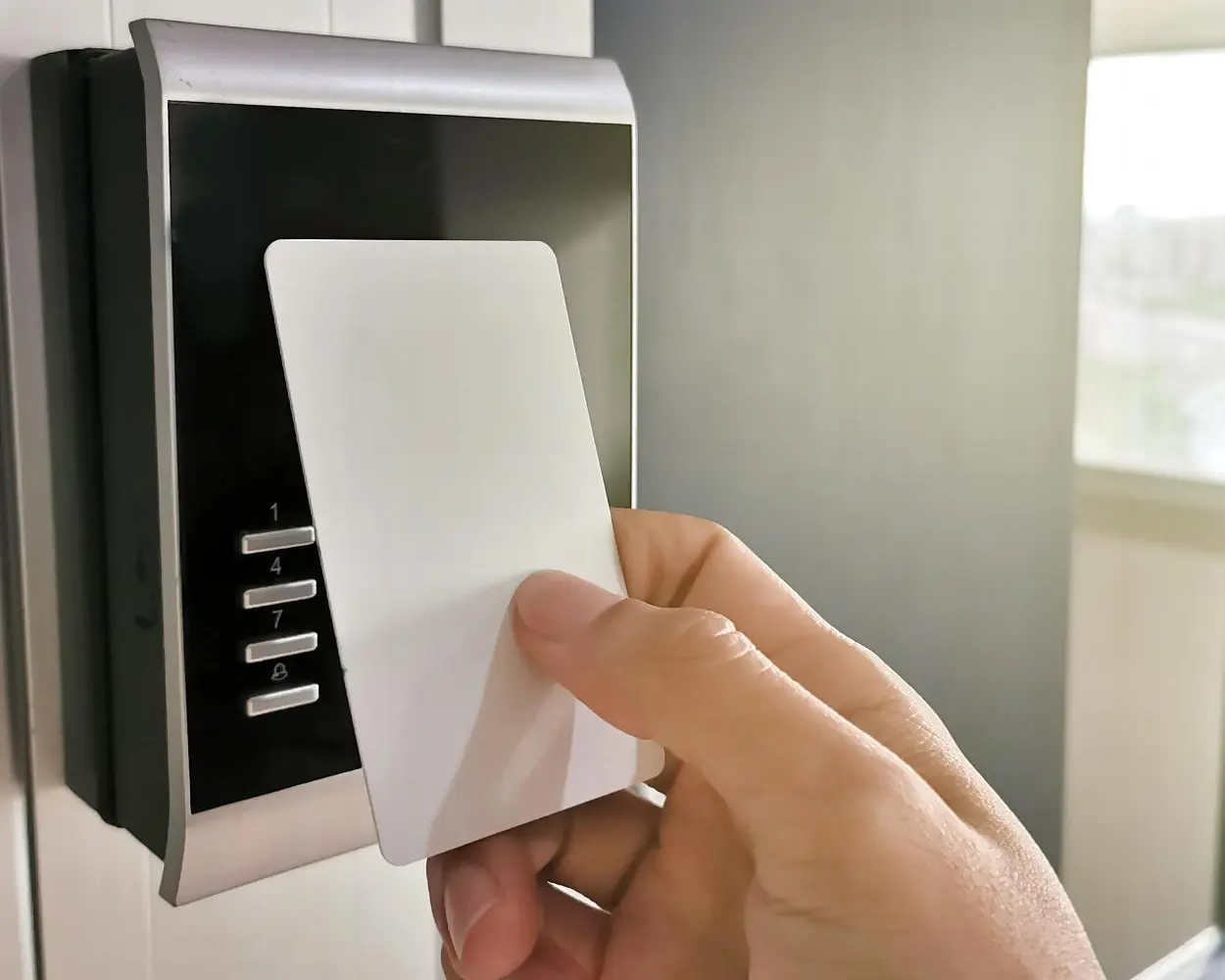
Access control comparison
Standalone vs networked access control
The main difference is how doors and users are administered. Choose around the effort of managing access every week, not only the initial door count.
- Free site inspection and quotation
- Engineer led, no salespeople
- No callout charges for 3 months after installation
Before you buy
Decide how you want to manage the doors
A standalone access control system is programmed at an individual door or controller. A networked system connects multiple controllers to central management software, allowing authorised administrators to manage users, permissions and events from one place.
Standalone does not necessarily mean a weak lock or an unsuitable product. It can be a sensible choice for a small number of doors with simple access requirements. Networked does not automatically mean cloud-hosted either; management arrangements vary by platform.
The useful comparison starts with administration. Consider how often people join or leave, whether different doors need different permissions, and whether you need a record of events. A system that is easy to install but time-consuming to update can become impractical as the organisation changes.
Count the administrative tasks as well as the doors. Record how many people start or leave each month, how often permissions change and how frequently managers need to know who used a door. Twenty users on two stable doors present a very different workload from the same number of doors used by rotating shifts, contractors and visitors. Those figures often make the right architecture clear.
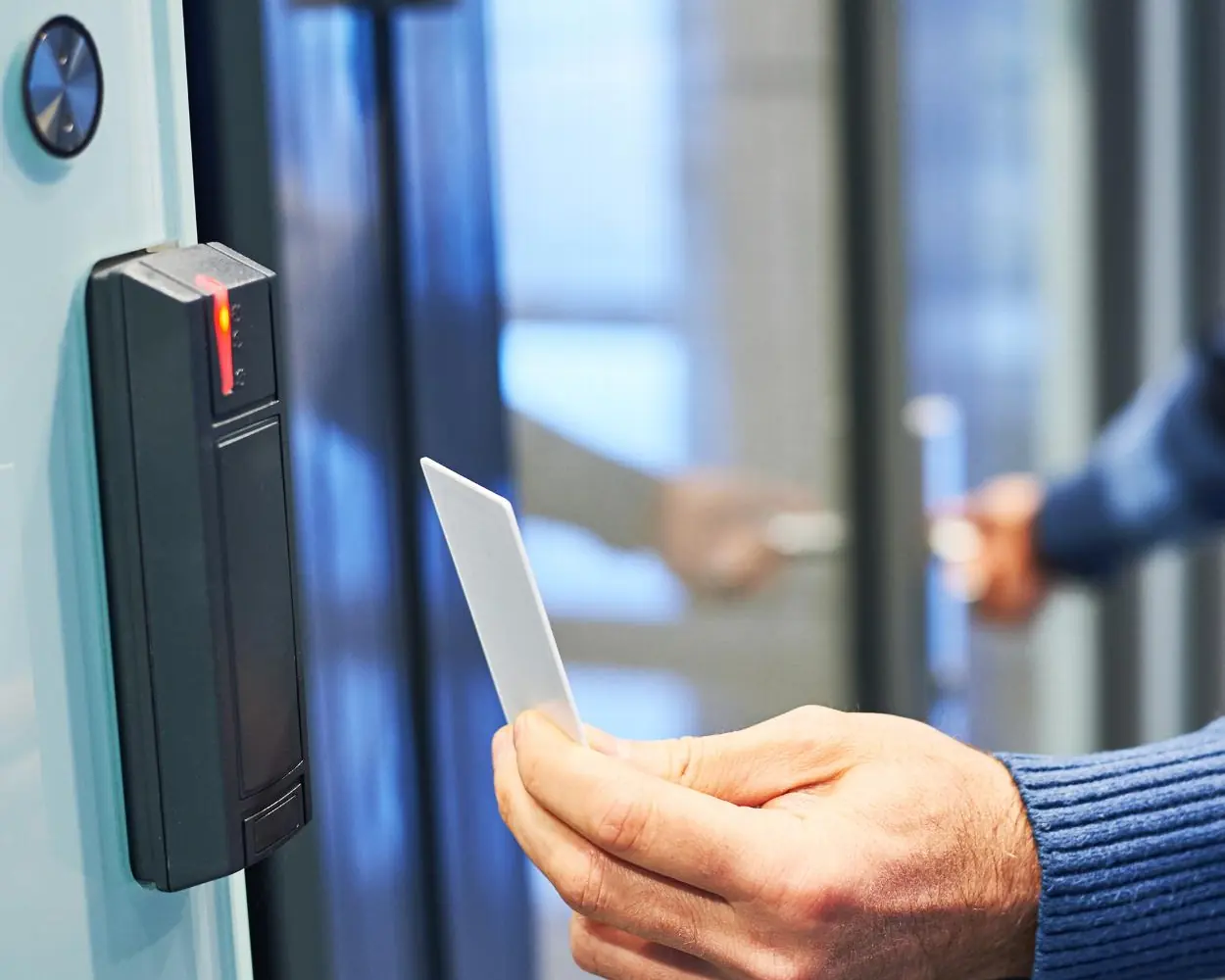
Where standalone access control can fit
Standalone equipment can suit a single entrance, store room or small group of independent doors. Users can often be enrolled directly using an administration credential or local procedure. There may be no central software or event database to maintain.
The drawback appears when the same person needs access to several doors. Adding or removing that person may require visiting and programming each controller. Changes are manageable when doors and users are few, but become easier to forget as the system grows.
Check how credentials are backed up or recovered and what happens if the controller fails. If there is no event history, the door will not provide the reporting available from a networked platform. Confirm these limits before choosing it for a sensitive area.
Simple local control
Useful where one door or a small group has stable users and no need for central reporting or schedules.
Distributed administration
Each controller needs the correct update, so records must show which credentials and permissions exist at every door.
Where networked access control earns its keep
Networked systems allow a user's permissions to be changed centrally across assigned doors. Access groups can reflect roles, areas and working hours, while event reports help authorised managers investigate a door alarm or review activity.
This is valuable for multiple entrances, departments, buildings or frequent staff changes. Temporary contractors can be given narrower permissions without repeating the same setup at every door. Lost credentials can normally be disabled once across the system.
Central administration introduces software, backups, user accounts and network considerations. Decide who owns the server or cloud account, who can administer it and how support is provided. A connected system should not depend on one employee's personal computer or login.
Failure behaviour and door safety
Ask how each controller and lock behaves if power or the network fails. Many designs make access decisions locally at the door controller even when central communication is interrupted, but the exact behaviour must be confirmed and tested.
Network connectivity should not be allowed to compromise safe escape. Locking hardware, exit devices and any fire alarm interface need a door-specific design coordinated with the fire strategy. Standalone and networked systems share this responsibility.
Cyber security and backups are particularly important for networked platforms. Use individual administrator accounts, controlled remote support and documented recovery procedures. Keep software and firmware supported according to the manufacturer's guidance.
- Estimate the time needed to update every door after a staff change.
- Decide whether central event reports are necessary.
- Clarify software hosting, backups, licences and administrator ownership.
- Test door behaviour during power and communication failures.
Plan a route from a few doors to a larger system
If future expansion is likely, choose equipment with a clear migration path rather than assuming every standalone controller can later join a network. Ask which readers, credentials and locking hardware can remain and what must be replaced.
A mixed arrangement can be sensible, with networked control on busy shared entrances and standalone equipment on a low-use store. Document the differences so administrators know where to update each user. The final choice should reflect operational complexity, safe door operation and manageable support over several years.
FAQs
Standalone vs networked access control: frequently asked questions
Can standalone access control be upgraded to networked later?
Some products have migration options, but others do not. Check the exact controller, readers and credentials before relying on future expansion.
Does networked access control stop working if the network fails?
Behaviour depends on the design. Some controllers continue making local decisions, while administration and reporting may be unavailable. Test the proposed arrangement.
Is cloud software required for networked doors?
No. Networked systems can use different local or hosted management arrangements. Compare account ownership, connectivity, backups and support.
Further reading
Related commercial security guides
Key fob door entry systems
How commercial fob entry works, how to manage credentials and what to check across doors, users, software and escape routes.
Read the guideChoosing access control
Choose around your doors, users and daily administration, with practical guidance on credentials, fire safety, integration and growth.
Read the guideAccess control maintenance
Check readers, locks, doors, controllers, users, backups and emergency operation as one complete access control maintenance routine.
Read the guide
Sources
External references used for this guide
How many doors do you need to manage?
An engineer can map your users and doors and explain where standalone control is enough and where central administration helps.
Free site inspection
Request an access control door review
Tell us the door count, approximate user numbers and how often you currently issue keys, cards or fobs.
Or email info@msmesecurity.co.uk
- Monday to Friday: 9am to 6pm
- Saturday and Sunday: 11am to 5pm