
Business access management
Access control audit trails and reports: using door events responsibly
Door events can help explain an incident, but they are not a complete record of a person’s movements. Useful reporting starts with accurate system data and clear limits.
- Free site inspection and quotation
- Engineer led, no salespeople
- No callout charges for 3 months after installation
Before you buy
Know what an event actually proves
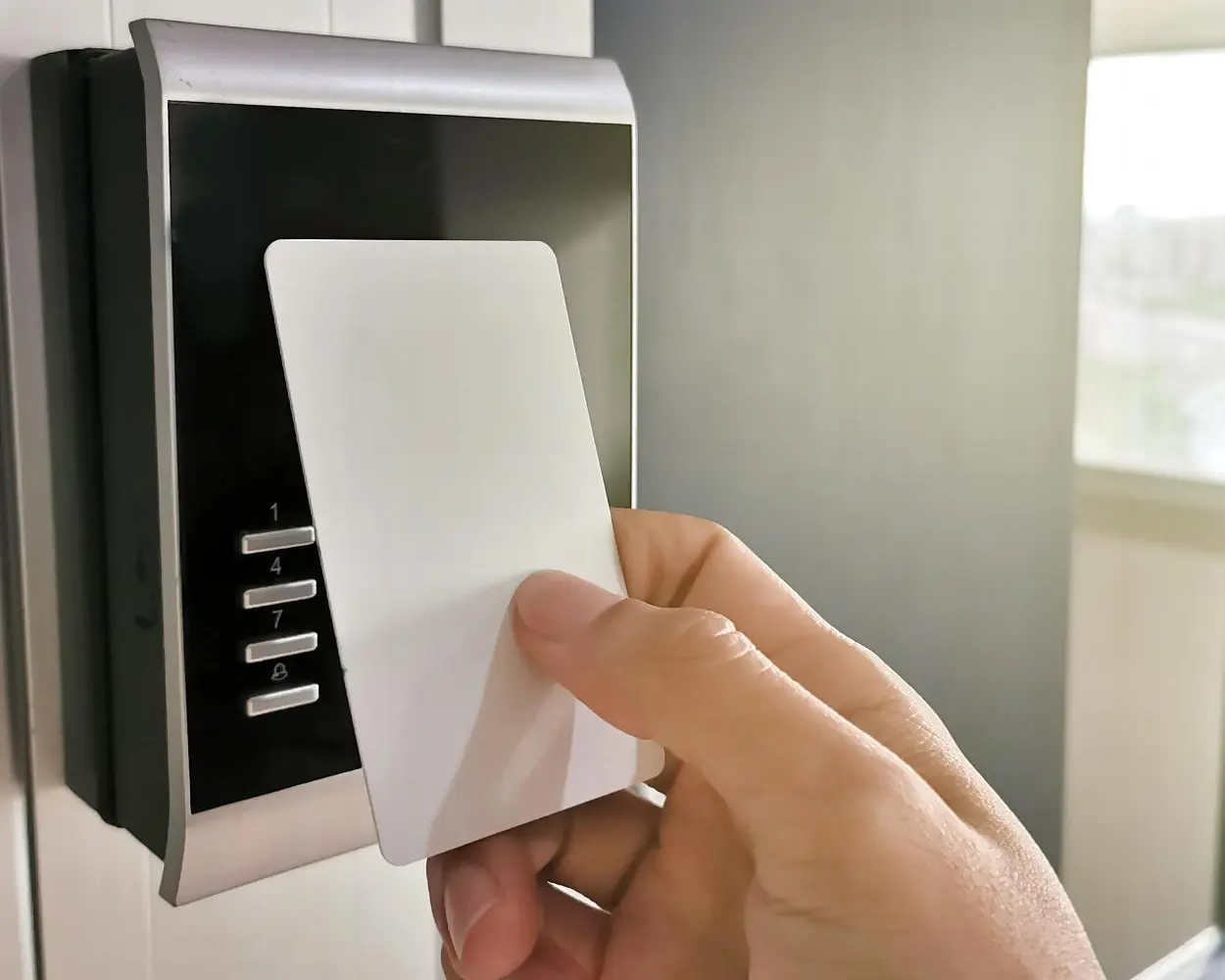
An access control event normally records something the system observed or decided: a credential was presented, permission was refused or a monitored door remained open. The record may identify a credential holder, but it does not necessarily establish who physically walked through the doorway.
Someone can follow an authorised user, lend a card or enter through another route. A door contact may show an opening without identifying every person involved. Reports are therefore evidence to interpret alongside other information, not an automatic attendance register or a substitute for a fair investigation.
Define the operational questions before building dashboards. Security teams may need to investigate an unusual opening or check whether revoked permissions were used. Collecting additional information because the software makes it easy can increase privacy risk without making those questions easier to answer.
Understand the language of the event log
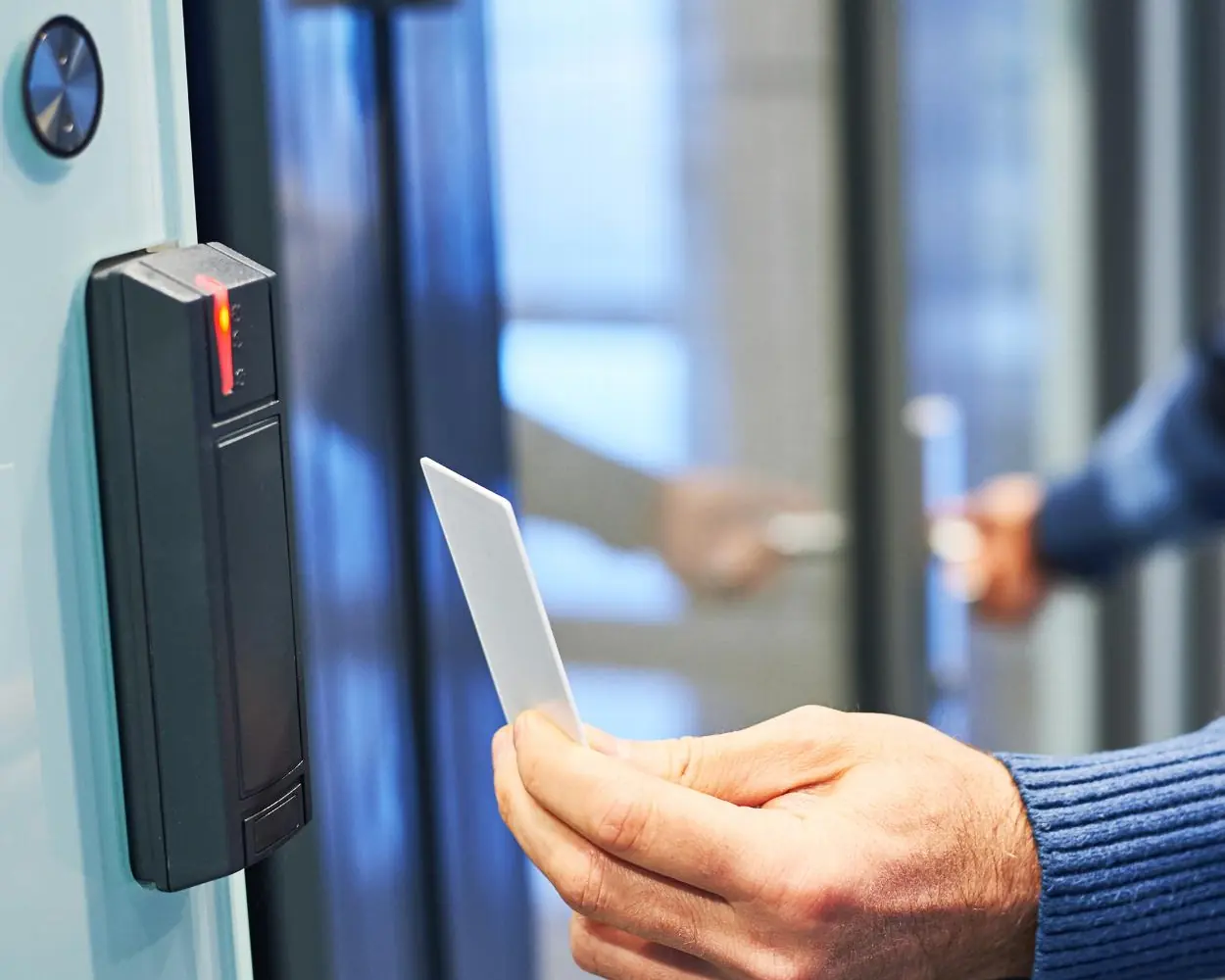
Access granted usually means the controller accepted a credential and issued the configured command. It does not necessarily confirm that the door opened or that the named holder entered. Access denied may reflect an expired credential, an incorrect schedule or a genuine attempt to enter somewhere the holder is not permitted.
Door forced and door held alarms depend on sensors, timing and configuration. A badly adjusted closer or faulty contact can generate misleading events. Ask the installer to explain the exact definitions used by your platform and retain that explanation with operating procedures so later investigators do not guess at unfamiliar codes.
Keep clocks, names and door identities reliable
A useful report needs a trustworthy timeline. Check time synchronisation, time zones and daylight saving behaviour across controllers and servers. If equipment was offline, distinguish the original event time from the time the server received it. Document known clock errors before comparing access data with CCTV or incident notes.
Name doors consistently and keep credential assignments current. Reissuing an old card without updating the holder record can misattribute activity. Establish whether the platform preserves the historical holder identity or displays today's cardholder against older events. That detail matters when investigating an incident after credentials have been reassigned or an employee has left.
Build an investigation report that preserves context
Start with the relevant door, time window and event types rather than exporting the entire workforce history. Preserve the original information and record who produced the report, when it was produced and which filters were applied. Retain associated incident references so the purpose of the extract remains understandable later.
Look for alternative explanations before drawing conclusions. A denied entry might be followed by a receptionist admitting the visitor, while a sequence of repeated presentations may simply indicate a sticking door. Where logs contribute to disciplinary or legal decisions, involve the appropriate internal specialists and avoid treating technical output as conclusive proof of misconduct.
Apply data protection to employee movement information
Named access events are personal data. Establish a lawful basis, explain the purposes to affected people and assess whether the collection is necessary and proportionate. If the intended use changes from building security to routine performance monitoring, review the implications rather than assuming the original notice covers every future management request.
Set retention periods around justified needs, not the largest storage capacity available. Different purposes may justify different periods for routine records and incident extracts. Restrict exports and administrator access, protect transferred files and include relevant hosted providers in your assessment. Consider whether a data protection impact assessment is needed for the proposed processing.
Separate useful alerts from routine surveillance
Exception reporting can highlight an out-of-hours opening or repeated denied attempts at a restricted room. Define a response for each alert and nominate someone to review it. An unattended inbox full of door events adds little protection and can expose personal information to more recipients than the task requires.
Review thresholds against legitimate work patterns so cleaners, night staff and authorised contractors are not repeatedly flagged without cause. Avoid using arrival charts as a shortcut for assessing productivity. Where attendance recording is a genuine requirement, assess whether the access system captures the necessary facts accurately and whether a separate process would be more appropriate.
Make reports repeatable and access accountable
Create a small set of approved reports with documented fields, filters and recipients. Give investigators only the access needed for their role and remove temporary permissions after a case closes. Where available, retain administrator activity records so changes to permissions and report exports can themselves be reviewed when necessary.
Test the reporting process using a known sequence of authorised and refused entries. Confirm that offline events appear as expected and exports remain readable without specialist software. Include secure deletion of temporary extracts in the procedure, while preserving information subject to a justified investigation hold or another applicable retention requirement.
FAQs
Access control audit trails: frequently asked questions
Does an access granted event prove someone entered?
No. It usually records acceptance of a credential, not verified passage by the named individual. Door monitoring, other evidence and the surrounding circumstances may help, but card sharing and following another person remain possible explanations.
How long should door entry logs be retained?
There is no single period suitable for every business. Document the purpose and keep identifiable information only as long as needed for it. Review routine records separately from extracts preserved for a specific, justified investigation.
Can managers use door reports for staff attendance?
That requires a separate assessment of accuracy, necessity, fairness and transparency. A security entry system may not record exits, breaks or every route. Do not silently repurpose logs as definitive working-time evidence.
Further reading
Related commercial security guides
Multi-tenant access control
A shared entrance needs one coherent set of rules, even when the businesses behind it operate differently. Separate building permissions from each tenant’s internal access decisions.
Read the guideMobile credentials
A phone can replace a separate access card, but convenience depends on compatible devices, sensible permissions and a workable alternative when the phone is unavailable.
Read the guideAccess control maintenance
Check readers, locks, doors, controllers, users, backups and emergency operation as one complete access control maintenance routine.
Read the guide
Sources
External references used for this guide
Make access reports useful and proportionate
MSME Security installs and maintains commercial access control. Arrange a free site inspection and consultation to discuss your doors, reporting requirements and existing event monitoring arrangements.
Free site inspection
Discuss access event reporting
Describe the questions your reports need to answer, which system you use and who reviews incidents. Include any clock, naming or missing-event problems you have noticed.
Or email info@msmesecurity.co.uk
- Monday to Friday: 9am to 6pm
- Saturday and Sunday: 11am to 5pm