
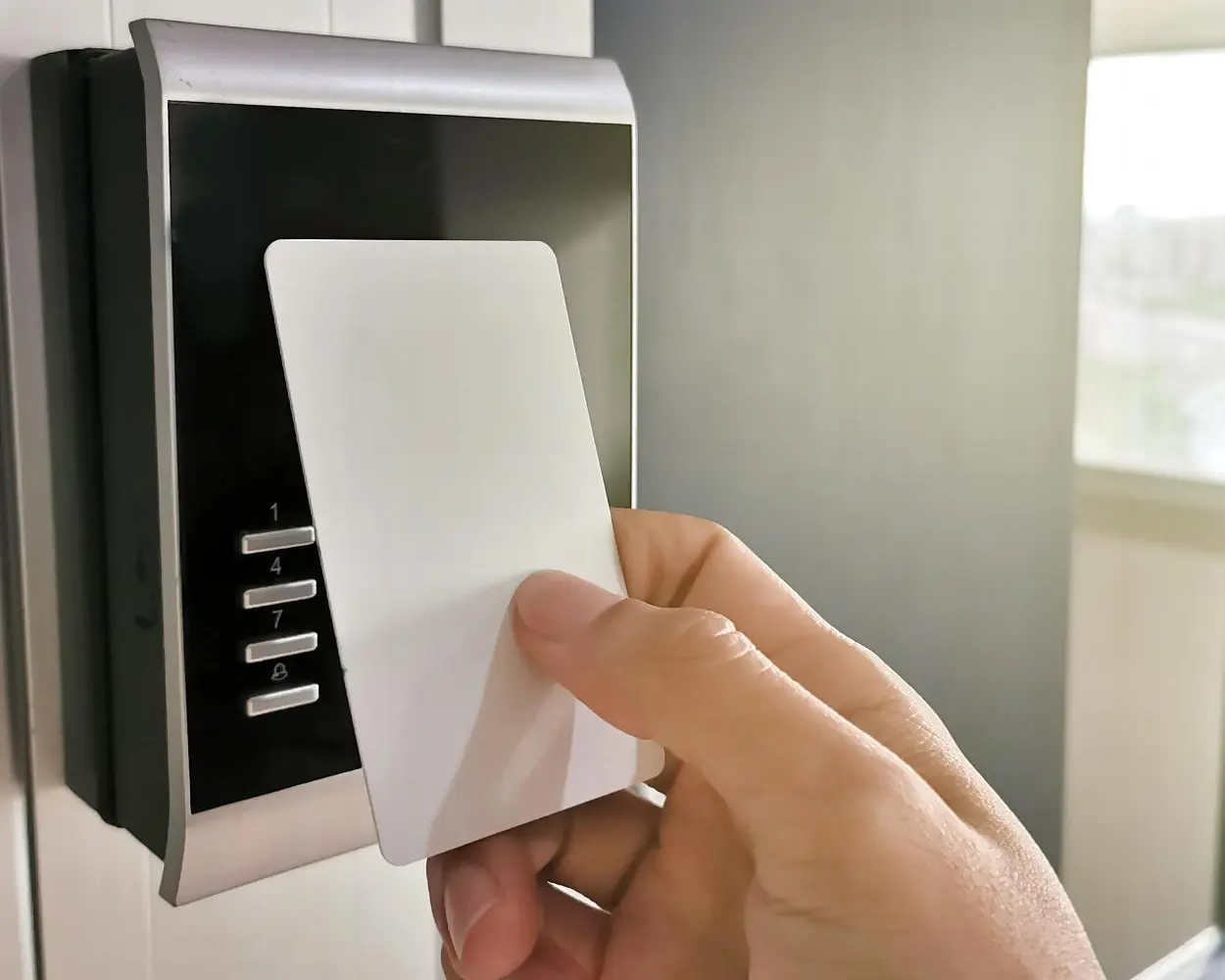
Business access management
Mobile credential access control: using a phone at the door
A phone can replace a separate access card, but convenience depends on compatible devices, sensible permissions and a workable alternative when the phone is unavailable.
- Free site inspection and quotation
- Engineer led, no salespeople
- No callout charges for 3 months after installation
Before you buy
Start with the people carrying the credential
Mobile credentials let an authorised smartphone present a digital identity to a compatible access reader. The controller checks that identity against permissions before operating the door. A phone is not simply a universal substitute for an existing plastic card: readers, software and credential services must support the proposed arrangement.
The strongest business case often involves frequent staff changes, distributed administration or employees already using managed phones. Issuing access remotely can reduce card handling, but enrolment, support and account removal still need named owners. Replacing a physical token does not remove access management work.
Map a normal working day before selecting a platform. Include the first arrival, visitors, contractors, people without suitable phones and staff leaving after reception closes. These journeys expose whether mobile access genuinely simplifies entry or just moves the queue to a different help desk.
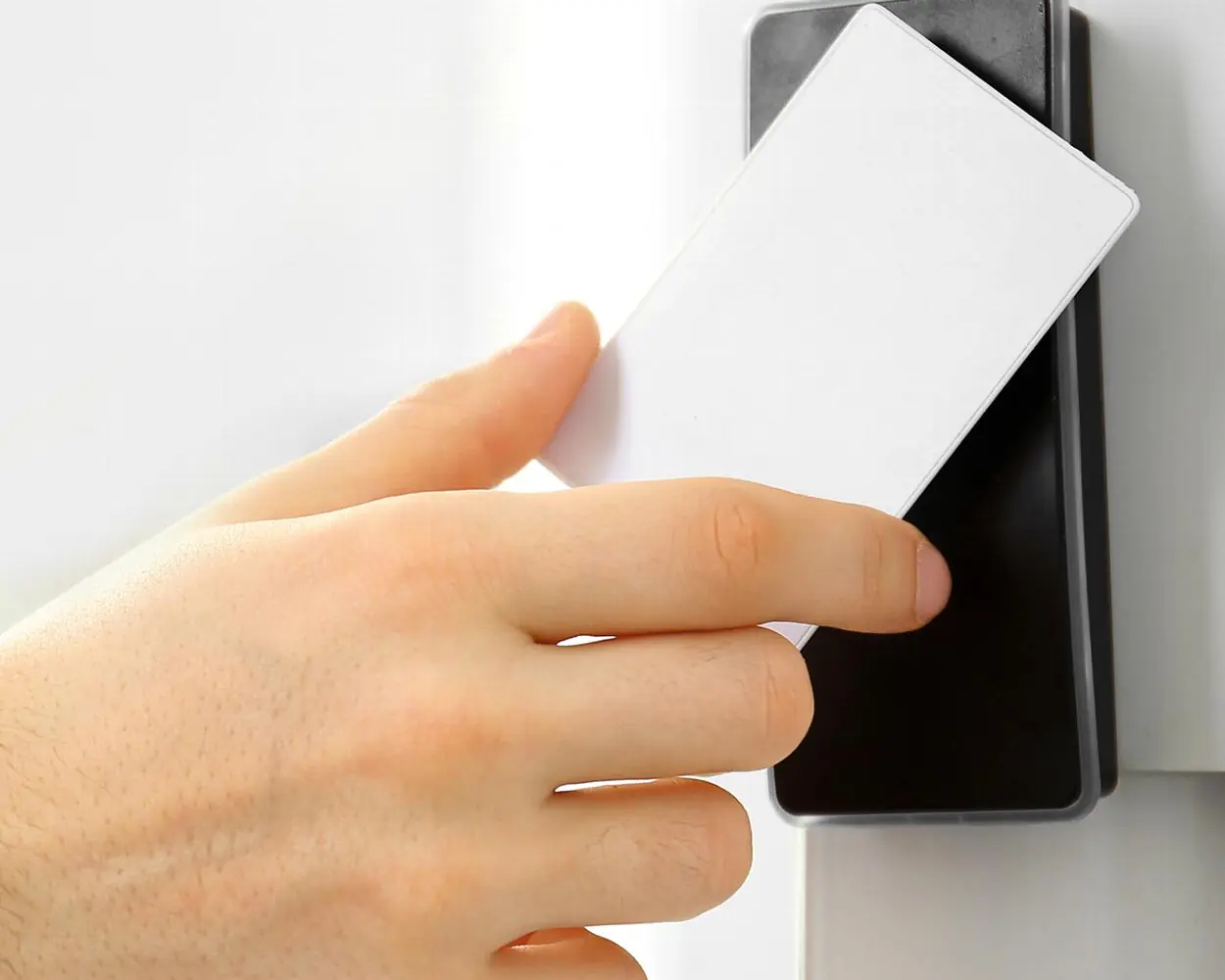
Bluetooth and NFC behave differently
Bluetooth credentials communicate with compatible readers over a short wireless link. Depending on the product, users may open an app, tap a control or present the phone near the reader. Adjustable reading distance needs careful commissioning so that someone passing a door does not unintentionally trigger it.
NFC normally involves presenting the phone close to the reader. Availability depends on the handset, operating system, wallet or app and reader ecosystem. Do not assume every NFC phone can emulate every access card. Ask for a written compatibility list covering the actual devices your workforce uses.
Test the entrance rather than a demonstration desk
A successful demonstration indoors does not establish performance at a busy loading entrance. Metal surrounds, reader position, protective cases and how people carry their phones can affect everyday use. Trial the arrangement with gloves, bags and the lighting conditions staff actually encounter before committing across the building.
Check whether access works when the phone has no mobile signal, when the building loses broadband and when a credential needs updating. These are separate questions. Some systems make local access decisions while relying on connectivity for enrolment or revocation; others have different dependencies that must be documented.
Make lost phones and leavers routine tasks
Use individual credentials rather than a shared departmental login. Administrators should be able to identify the holder, restrict doors and times, and revoke access promptly when employment or a contract ends. Confirm how quickly a cancellation reaches controllers that are temporarily offline and what the platform records about that delay.
A lost handset needs an agreed reporting route outside reception hours. Removing the credential from the access platform and protecting the phone account are related but distinct actions. Device locking and supported security updates help protect the handset, but they do not replace the site's own access revocation procedure.
Offer a fair and dependable alternative
Not everyone owns a suitable smartphone or wants business access software on a personal device. Discuss the practical and privacy implications before rollout, and make an appropriate card, fob or other authorised method available. Avoid designing a process that excludes agency staff, temporary workers or colleagues using accessibility features.
A flat battery, damaged screen or forgotten phone should not leave someone improvising at a secure entrance. Set out how identity is checked before temporary access is issued. A fallback method must preserve security rather than turning a shared emergency code into the normal route through the building.
Separate convenience from stronger security claims
A digital credential may offer useful controls, but the word mobile alone says little about resistance to misuse. Ask how credentials are issued, stored, transferred and withdrawn, and whether the system supports suitable authentication for administrators. Request clear answers about account recovery because recovery processes can undermine otherwise careful controls.
Consider what the service provider can see about users and entry events. Limit permissions to people who need them, establish retention periods and explain the purpose of processing to staff. Security managers should involve their IT and data protection colleagues before linking a hosted access platform to business identity accounts.
Plan support and a measured rollout
Start with a representative group and a limited number of doors. Record failed presentations, support requests and the time needed to issue and cancel credentials. Include a mixture of handsets and working patterns rather than testing only with the managers who selected the system. Keep existing access available during the agreed trial.
Before handover, clarify licensing, replacement phone procedures, software support and responsibilities for updates. Train more than one administrator and document escalation arrangements. Review permissions after the trial, remove test accounts and keep an approved device list so future changes are assessed rather than discovered by staff at a locked entrance.
FAQs
Mobile credentials: frequently asked questions
Will a phone credential work with our existing readers?
Only if the readers and access platform support the chosen technology and credential service. A survey should establish whether configuration changes are sufficient or readers and controllers need replacing. Test compatibility rather than relying on an NFC or Bluetooth label.
Can staff get in with a flat phone battery?
Do not assume they can. Some products offer specific reserve features, but availability varies. Provide a documented alternative credential or an identity-checked temporary access process appropriate to the entrance and its operating hours.
Does mobile entry need an internet connection every time?
Not necessarily. Some systems validate stored credentials locally, while enrolment, updates or remote management use online services. Ask what continues during each type of outage and how withdrawn permissions reach disconnected equipment.
Further reading
Related commercial security guides
Business video intercoms
A video intercom can help staff assess a caller before opening an entrance. The useful question is how that conversation becomes a safe, consistent visitor decision.
Read the guideAccess control audit trails
Door events can help explain an incident, but they are not a complete record of a person’s movements. Useful reporting starts with accurate system data and clear limits.
Read the guideMulti-tenant access control
A shared entrance needs one coherent set of rules, even when the businesses behind it operate differently. Separate building permissions from each tenant’s internal access decisions.
Read the guide
Sources
External references used for this guide
Make phone access work for your workforce
MSME Security installs and maintains commercial access control. Arrange a free site inspection and consultation to review readers, user needs and fallback access before changing credentials.
Free site inspection
Discuss a mobile credential trial
Tell us which doors you manage, the phones staff use and how new starters and leavers are handled. We can discuss a practical scope for your premises.
Or email info@msmesecurity.co.uk
- Monday to Friday: 9am to 6pm
- Saturday and Sunday: 11am to 5pm