

Installation guide
What happens during a CCTV installation at business premises
Knowing the stages of a CCTV installation helps you plan around staff, deliveries and opening hours, and makes it easier to check the finished system does the job you asked for.
- Free site inspection and quotation
- Engineer led, no salespeople
- No callout charges for 3 months after installation
Before you buy
An installation starts well before the first camera goes up
Most people picture a CCTV installation as a day of ladders and drilling. In practice, the work on site is the visible end of a process that begins with a conversation about what you need to see, where problems happen and who will watch or review the footage.
This guide walks through each stage of a typical commercial installation for warehouses, offices, yards and shops. Every site is different, so treat it as a checklist of questions rather than a fixed timetable.
Because CCTV records people, the installation also has data protection consequences. Signage, retention and access to recordings should be settled as part of the project, with the ICO guidance as your reference point.
The site survey and agreeing what each camera must do
A good survey walks the whole site at the times that matter, including after dark where possible. The engineer notes entrances, vehicle routes, blind corners, lighting, mounting surfaces and where the recorder and network equipment can sit safely.
The most useful output is a purpose for each camera. Identifying a face at a door needs a different lens and position from watching general movement across a yard. Writing that purpose down makes the design easier to check later.
Expect questions about existing cabling, broadband or network capacity, power availability and any landlord or estate rules on fixings. Answers here prevent delays once work starts.
Design, quotation and planning the work
From the survey comes a camera schedule and a layout drawing showing each position, its field of view and how it connects back to the recorder. Ask for this in writing so you can compare it with what is eventually installed.
The quotation should explain how cables will be routed, whether access equipment is needed for high positions, how long footage will be stored and how remote viewing will be set up. Vague descriptions make it hard to compare installers fairly.
Agree working hours, areas that must stay clear, site induction requirements and who on your side can make decisions on the day. Busy loading areas often need high level work scheduled around deliveries.
Cabling and mounting the cameras
Cable routes usually take the most time. Network cameras are commonly connected with data cable that can also carry power, run through ceiling voids, trunking or containment back to a central point. External runs should be protected from weather and damage.
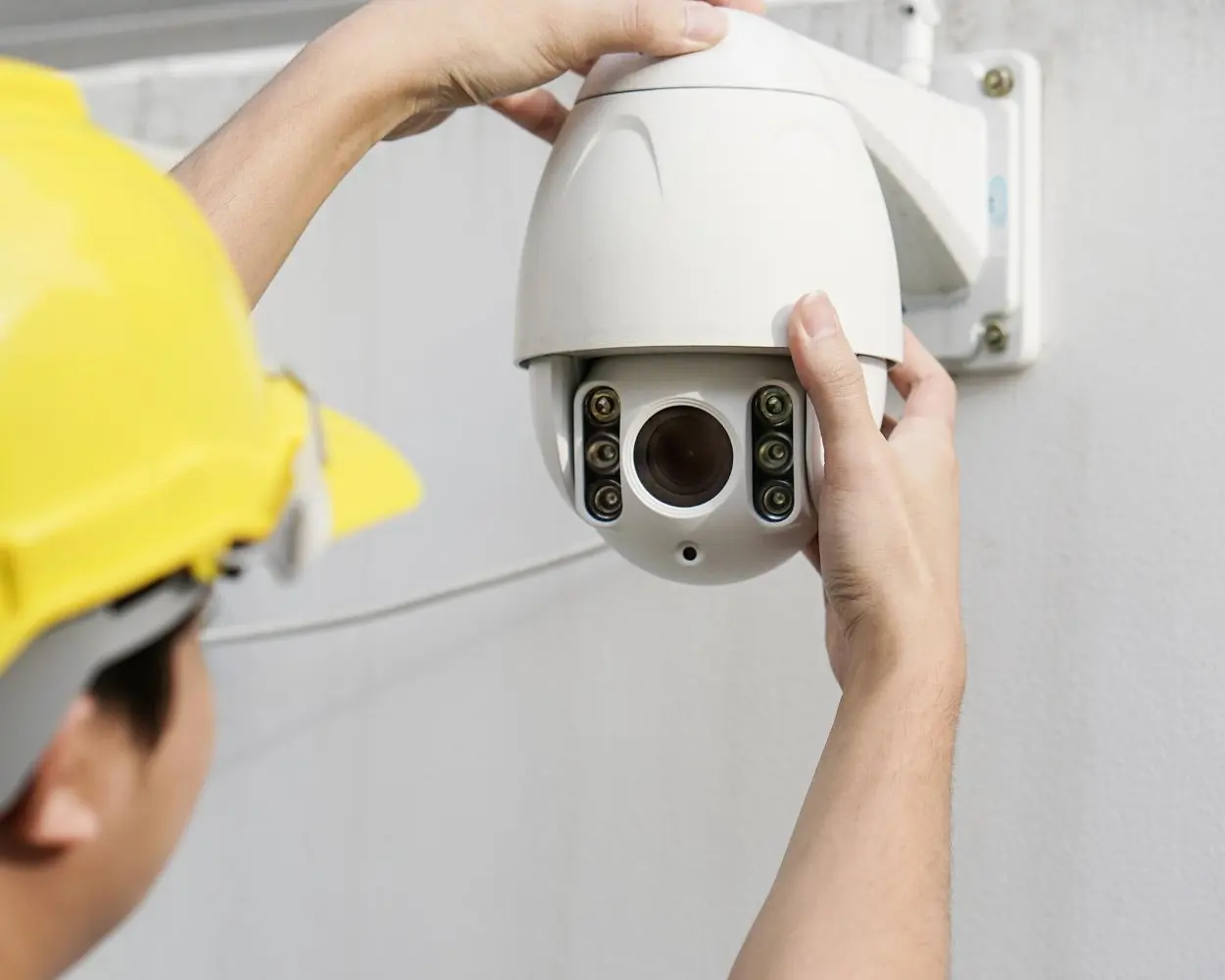
Cameras are fixed to brackets suited to the surface, sealed where cables enter, and aimed roughly before final adjustment. Positions that can be reached from the ground or a fence line may need vandal resistant housings.
Any new mains power for recorders or equipment cabinets must be carried out by a competent electrician to current wiring regulations. This is not work for staff or general contractors to attempt themselves.
Commissioning and checking the picture
Commissioning is where the system is configured: recording schedules, motion or analytics settings, image quality, time synchronisation, user accounts and remote access. Each camera view is then fine tuned against its agreed purpose.
Ask to see the images in daylight and in darkness. Night performance is where many systems disappoint, and adjustments to angle, infrared or supplementary lighting are easier to make while the engineer is still on site.
Default passwords should be replaced, firmware brought up to date and remote access set up securely. A system left on factory settings is an avoidable risk to your network and your recordings.
Handover, training and records
At handover you should be shown how to find, review and export footage, how to check that every camera is recording and who to contact if something stops working. Nominate at least two people to receive this training.
Keep the final camera schedule, network details, user list and any warranty paperwork together. These records make maintenance, insurer questions and later upgrades far simpler.
Before the system goes live, put up clear CCTV signs, set a retention period you can justify and decide who may view recordings. The ICO guidance on video surveillance explains these duties.
- Camera schedule and layout drawing matching what was fitted
- Recorder location, storage period and remote viewing arrangements
- Named users with their own logins rather than a shared password
- Signage in place at entrances and monitored areas
FAQs
What happens during a CCTV installation: frequently asked questions
How long does a commercial CCTV installation take?
It depends on the number of cameras, cable distances and access to high positions. A small office may take a day, while a large warehouse can take several. Your installer should give a programme after the survey.
Will the installation disrupt our business?
Some noise and access equipment is unavoidable, but work can usually be planned around opening hours, deliveries and busy areas. Agree restricted zones and working times before the start date.
Do we need to do anything before the engineers arrive?
Clear access to the recorder location and ceiling voids, confirm network details with whoever manages your IT, and arrange any site induction or permits your premises require.
Do we need CCTV signs once the system is installed?
Yes, in most business settings you should tell people that CCTV is in use. Follow ICO guidance on signage, retention and handling requests for footage, and take advice if you are unsure.
Can you reuse our existing CCTV cabling?
Sometimes. Existing cable may be suitable depending on its type, condition and the cameras chosen. The survey is the time to test and decide rather than assuming it can or cannot be kept.
Further reading
Related commercial security guides
Business CCTV cost
See what small, medium and larger commercial CCTV systems typically cost, and why camera count alone is not a useful comparison.
Read the guideHow many CCTV cameras?
Plan camera numbers around useful views, building layout and operational priorities rather than buying a standard package.
Read the guideCCTV signage and access requests
CCTV responsibilities extend beyond fitting cameras. Clear information, controlled access and a workable request process help businesses explain their surveillance and handle recorded personal data responsibly.
Read the guideCCTV cyber security
Networked CCTV is part of your business technology estate. Protecting it means managing devices, accounts, connections and support throughout their working life, not simply changing a password on installation day.
Read the guide
Sources
External references used for this guide
Planning a CCTV installation?
Arrange a free site inspection and consultation so an engineer can look at the building, talk through how it is used and explain the options in plain terms.
Free site inspection
Discuss your CCTV installation
Tell us about the areas you want covered, any existing equipment and when work could take place, and we will arrange a site visit.
Or email info@msmesecurity.co.uk
- Monday to Friday: 9am to 6pm
- Saturday and Sunday: 11am to 5pm