
Commercial CCTV guidance
PTZ cameras for business sites: uses and limits
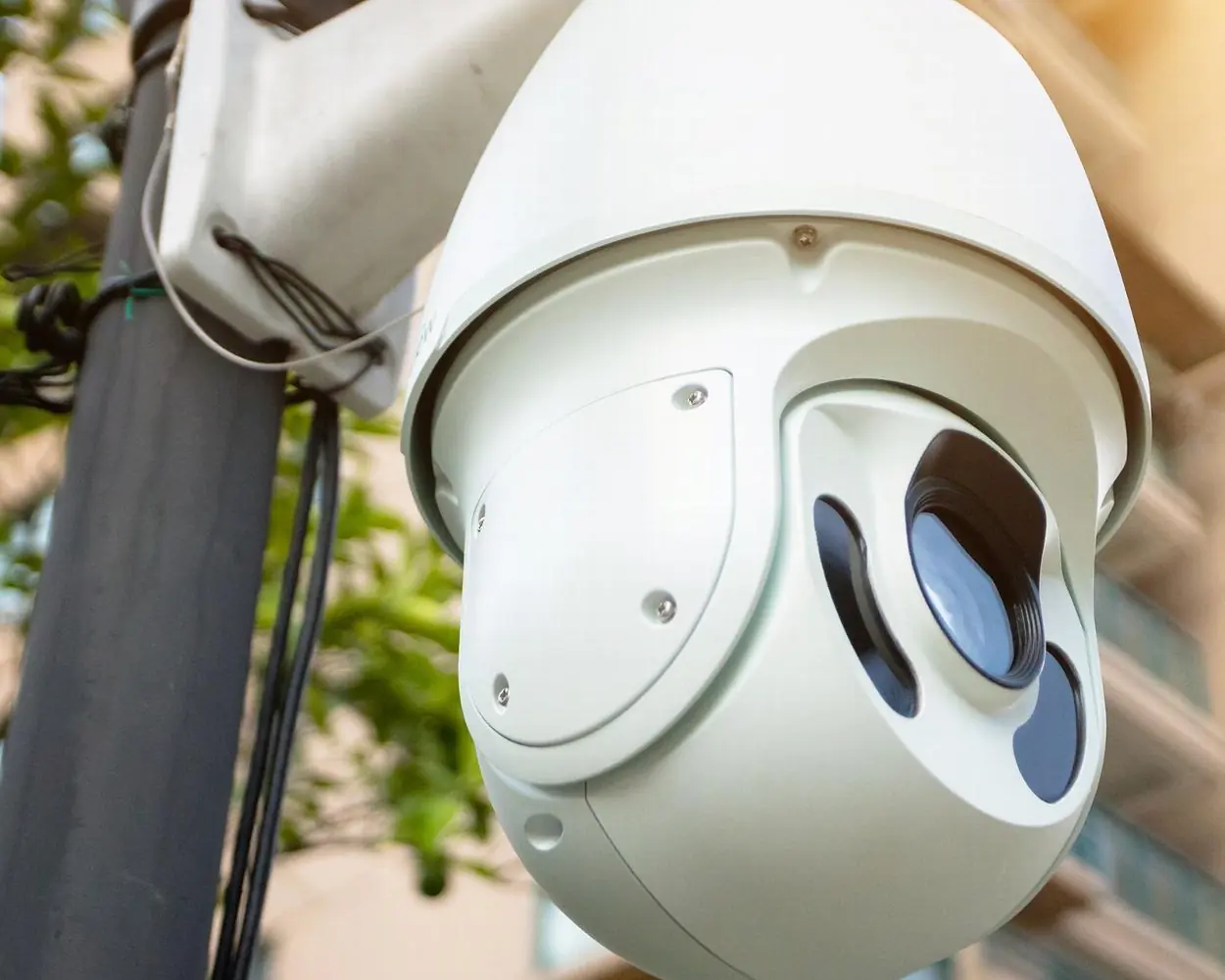
A pan tilt zoom camera can inspect different parts of a site and zoom towards activity. Its flexibility is useful, but it cannot record every possible direction at the same time.
- Free site inspection and quotation
- Engineer led, no salespeople
- No callout charges for 3 months after installation
Before you buy
Choose movement for a defined operational task
PTZ describes a camera that can pan horizontally, tilt vertically and change its view through zoom. Some are controlled by an operator; others follow preset tours or respond to events from connected devices and software.
The important question is not how far the camera rotates, but what should happen when attention is needed in two places. While a PTZ looks towards a delivery vehicle, an entrance behind it may have no useful recorded coverage.
Treat movable cameras as a way to investigate or supplement coverage. Where continuous evidence of a particular door, till or pedestrian route matters, a fixed view often provides a more dependable record of that location.
Identify who will control the camera
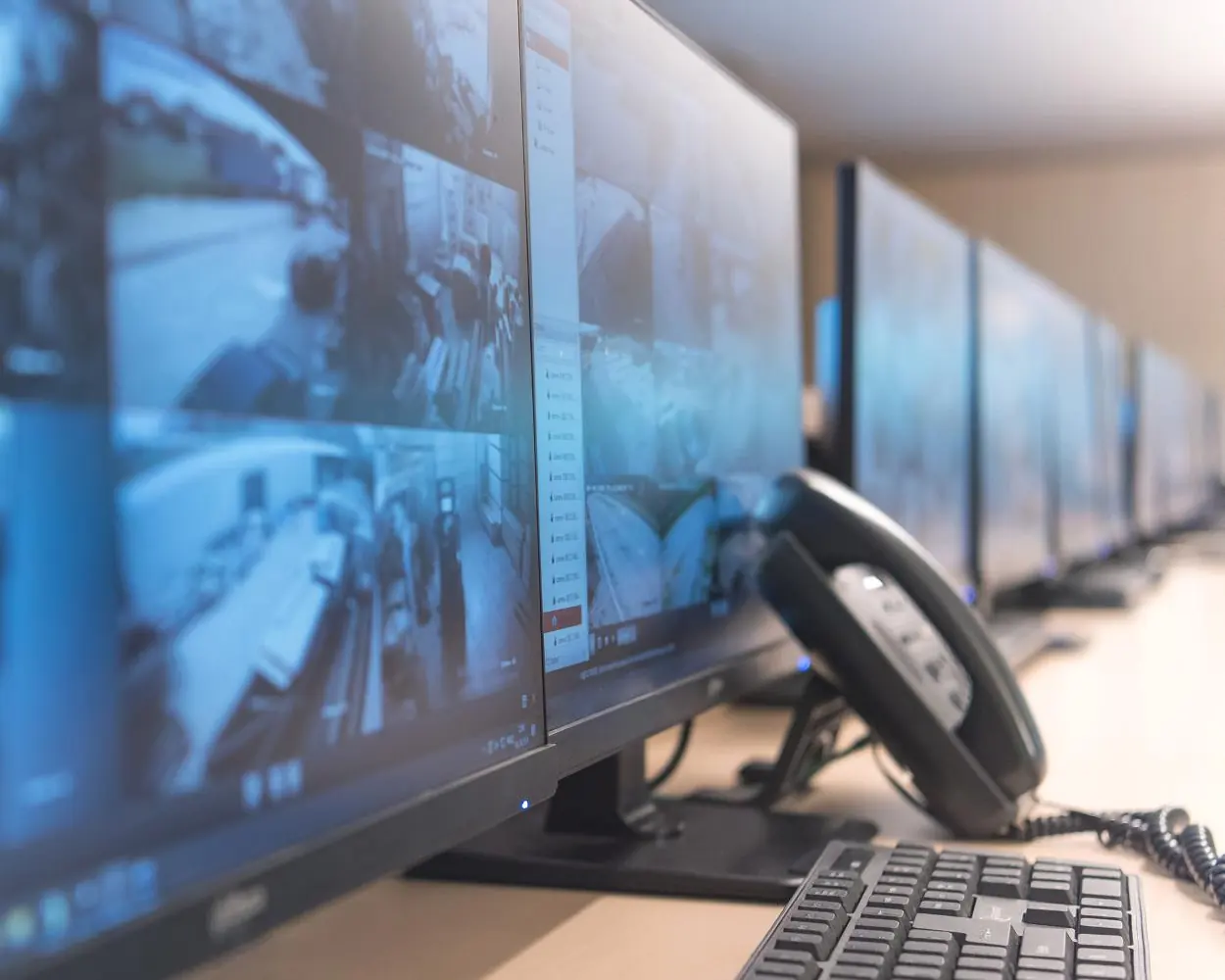
An attended control position can use a PTZ to inspect an incident as it develops. The operator needs a clear site layout, suitable controls and enough image detail at the relevant distances. Establish whether this is realistic during busy periods or outside normal hours.
An unattended PTZ following a tour is a different proposition. It records each area only while pointed there and may miss activity between visits. Specify the dwell time, movement time and acceptable gaps, rather than assuming a tour replaces several simultaneous fixed views.
If multiple users can connect, define who has priority. A supervisor reviewing an alert should not lose control because someone else opens the same camera in an app. Test access levels and any timeout that returns the camera to its normal position.
Understand optical zoom and image limitations
Optical zoom changes the field of view using the lens, allowing more sensor detail to cover a distant subject. Digital zoom enlarges existing image information and cannot create detail that was never captured. Check which capability a quoted zoom figure describes.
At long focal lengths, vibration and small positioning errors become more noticeable. Mounting stability, wind exposure and the height of the camera all matter. A demonstration from a short indoor bracket does not establish performance on a tall outdoor pole.
Zooming also narrows the scene. The operator may lose track of a person who changes direction or disappears behind a vehicle. Test focusing, exposure and useful detail under the real lighting conditions, including bright headlights and darker areas of the yard.
Use presets and tracking with realistic expectations
Presets let a camera return to defined views, such as a gate, loading bay or alarm zone. Record what each position is intended to show and check repeatability after installation. Name presets clearly enough that a relief operator can use them without guesswork.
Automatic tracking can be useful but is not continuous proof that a target will remain visible. Obstructions, crowded scenes, changes in direction and similar moving objects can interrupt or confuse tracking. Ask for a site-specific demonstration of both successful and unsuccessful cases.
Event-driven movement should have clear priorities. Two detection zones may activate together, or a manual user may interrupt an automated task. Agree what takes precedence, how activity is logged and when the camera returns to a useful home position.
Retain fixed coverage and protect privacy
Draw the scene recorded by each fixed camera before deciding what the PTZ adds. Cover essential routes continuously where needed, then use movement for inspection or supplementary detail. This avoids discovering after an incident that the only relevant camera was facing another direction.
A movable camera may overlook neighbouring land or windows that a fixed camera would never show. Limit permitted movement and use suitable privacy masking where appropriate. Check that masking behaves correctly through the full pan, tilt and zoom range.
Apply role-based permissions to live control, playback and export. Zoom capability can expose more personal detail than an overview suggests, so include its use in staff instructions. Log relevant access where supported and review whether the permitted uses remain necessary.
Test movement as part of the complete system
Commission the camera through the recorder, client software and remote connection that staff will actually use. A responsive local control can become frustrating over a congested link. Measure the practical delay before a moving subject leaves the view.
Check mechanical operation, preset accuracy and image quality across the required range. Include the wash or wiper mechanism if fitted and specify safe maintenance access. Moving parts and exposed mounting positions deserve attention in the maintenance plan.
Record how the system behaves after a restart, power interruption or loss of network connection. Confirm the startup view, restored permissions and any automatic tour. Provide a simple operating guide so staff can recover a useful overview without changing administrator settings.
FAQs
PTZ cameras for business sites: frequently asked questions
Can one PTZ replace several fixed cameras?
Only if gaps in simultaneous coverage are acceptable for the task. A PTZ may inspect several areas in turn, but it cannot preserve a continuous detailed view of all of them at once.
Is automatic tracking a substitute for an operator?
No. It can assist observation but has environmental and scene limitations. Decide how uncertain events will be reviewed and retain suitable fixed coverage where a complete incident record is important.
Should a PTZ always run a patrol?
Not necessarily. A stable home view with event-driven movement may suit some sites better. Choose tours, dwell times and return behaviour around documented risks rather than enabling movement simply because it is available.
Further reading
Related commercial security guides
Remote business CCTV viewing
Remote viewing should give authorised people the right pictures without exposing the recorder or disrupting everyday connectivity. Start with access needs and connection limits, not just the app download.
Read the guideCCTV resolution explained
More pixels can help, but a high-resolution camera does not automatically produce identifiable evidence. What matters is how much useful detail reaches the subject at the place an incident is likely to happen.
Read the guideRetail shop CCTV
Retail CCTV needs to explain what happened during ordinary trading, not merely show that people were present. Plan complementary views around customer routes, transactions and stock movement while respecting privacy.
Read the guide
Sources
External references used for this guide
Plan movable cameras without creating blind spots
Talk to MSME Security about commercial CCTV and arrange a free site inspection and consultation to compare fixed coverage with the specific tasks a movable camera would support.
Free site inspection
Request a PTZ coverage review
Identify the areas needing continuous coverage and the situations in which an operator would want to look closer. Tell us whether anyone actively controls the system during operating hours.
Or email info@msmesecurity.co.uk
- Monday to Friday: 9am to 6pm
- Saturday and Sunday: 11am to 5pm