
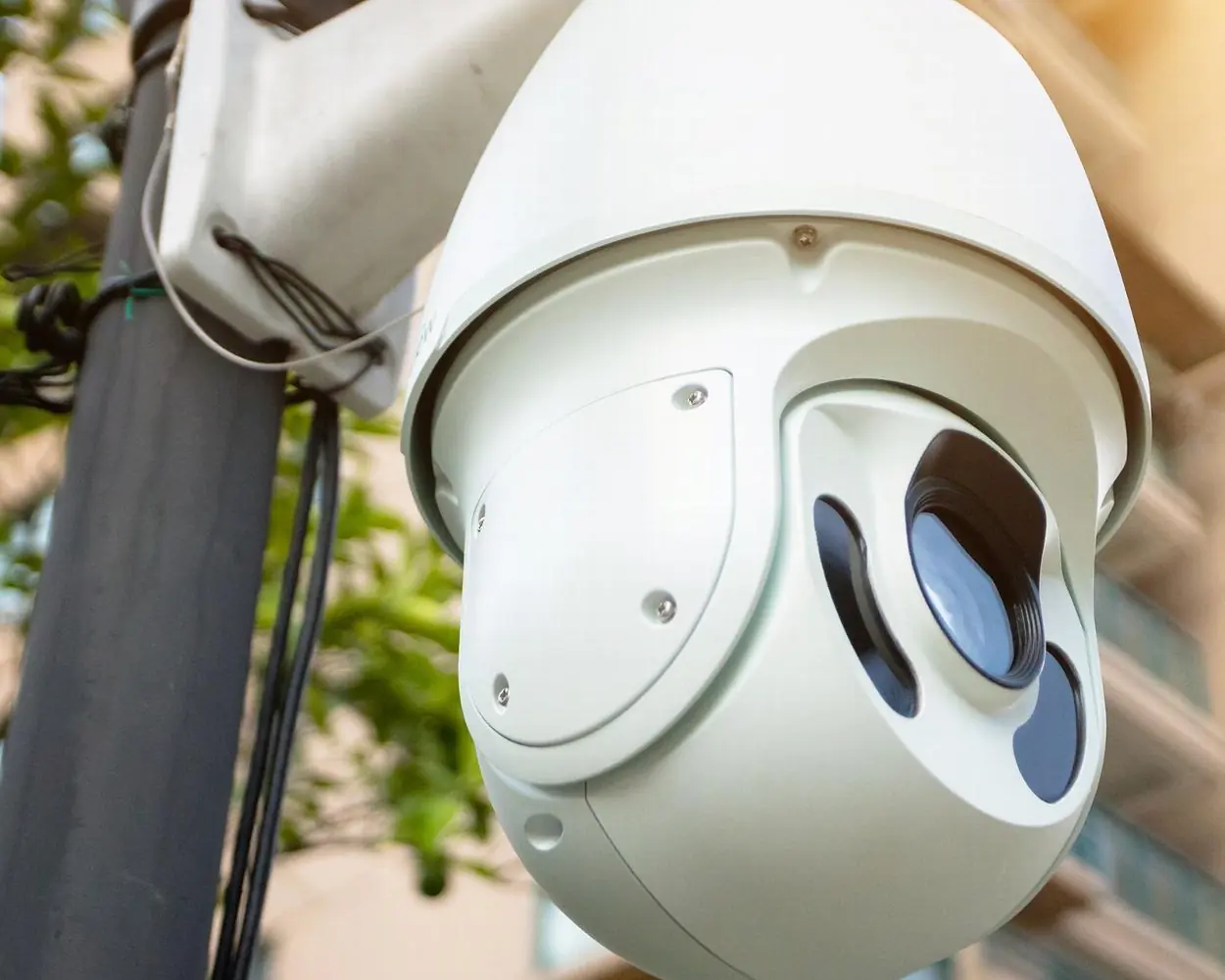
Commercial CCTV guidance
CCTV camera resolution explained for business identification
More pixels can help, but a high-resolution camera does not automatically produce identifiable evidence. What matters is how much useful detail reaches the subject at the place an incident is likely to happen.
- Free site inspection and quotation
- Engineer led, no salespeople
- No callout charges for 3 months after installation
Before you buy
Begin with the detail your investigation would need
A camera specification describes the image it can produce, not the usefulness of every object within it. A wide car park view may look sharp on a monitor while a person at the far boundary occupies very little of the image.
Decide whether each view needs to show activity, distinguish a person from a vehicle or support identification. Those tasks require different detail and viewing conditions. Write the task against a specific location rather than asking every camera to do everything.
Image quality is the result of the complete system: camera, lens, lighting, position, exposure, compression, recorder and playback. Compare recorded examples from relevant conditions instead of choosing equipment from a megapixel label alone.
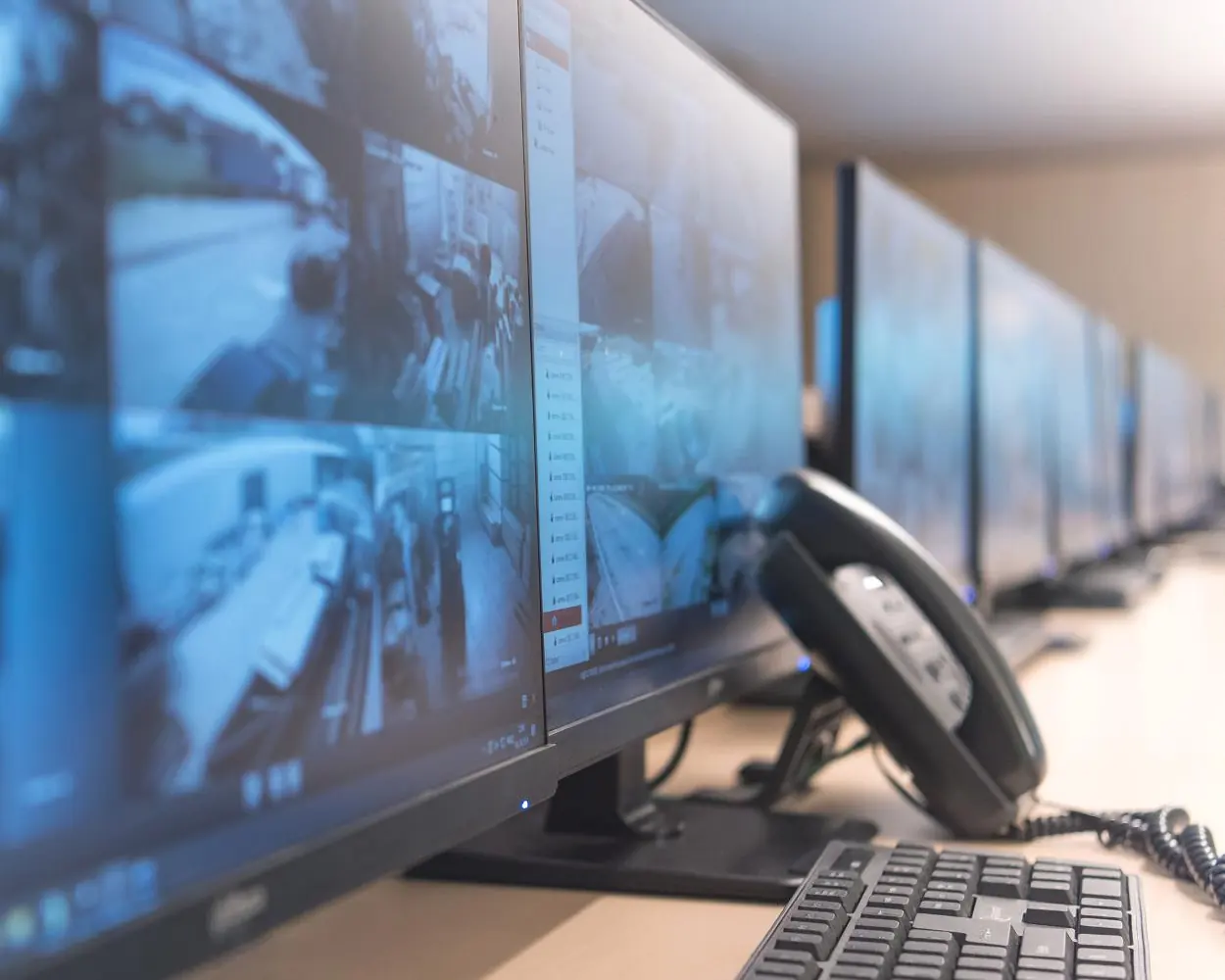
Understand megapixels and the meaning of 4K
A megapixel is approximately one million picture elements. Resolution is usually expressed as image width multiplied by height. A common 4K UHD image measures 3840 by 2160 pixels, giving about 8.3 million pixels in total.
Different cameras may use different aspect ratios or operating modes. Check the actual recorded dimensions and frame rate, not only the product name. Some headline features cannot operate together at their maximum settings, depending on the equipment.
A larger image can support a wider view at a given level of detail, but that benefit has limits. If the scene width increases faster than the available pixels, each face or registration occupies a smaller share of the picture.
Use pixel density to assess the target area
Pixel density relates image detail to the real scene, often expressed as pixels per metre across a target plane. As a simplified example, 3840 horizontal pixels covering a 20-metre width provide about 192 pixels per metre at that plane.
The calculation changes with distance and perspective. An entrance close to the camera may have substantially more detail than a fence farther away in the same image. Have the designer assess the actual identification point rather than averaging across the whole site.
Industry design guidance uses different detail levels for different observation tasks. Treat any quoted threshold as a design aid with stated assumptions, not a promise that every face will be identifiable. Angle, movement, lighting and obstruction still determine the recorded result.
Choose the lens and position before adding pixels
A narrower field of view places more of the sensor's pixels on a selected doorway or lane. That may be more useful than increasing resolution while retaining an unnecessarily broad scene. Keep a separate overview if wider context is important.
Mounting too high can show the tops of heads rather than faces. A low angle may introduce obstruction or vulnerability. Balance evidence requirements with mounting practicality, and check the likely direction of travel through the intended capture area.
Digital enlargement only makes recorded pixels bigger. Optical adjustment changes what the camera captures in the first place. Demonstrate the proposed framing with a person or vehicle at the relevant distance before approving permanent mounting positions.
Check motion and difficult lighting
A sharp empty scene proves little about a moving subject. Exposure time affects motion blur, and shorter exposure may require more light. Test a person walking naturally through the view rather than asking someone to stand still facing the camera.
Strong backlighting, reflections and headlights can hide important detail. Wide dynamic range features may help, but results depend on the scene and settings. Review faces and vehicles entering from the direction that creates the most challenging contrast.
Night images can lose detail through noise reduction, blur or insufficient illumination even when the pixel dimensions remain unchanged. Review recorded footage after dark and check the transition between lighting conditions. A colour daytime demonstration is not enough for an overnight evidence requirement.
Preserve useful detail through recording and export
The recorder must accept the intended resolution, codec and frame rate across all connected channels. Confirm aggregate recording capability and the settings actually enabled at handover. A camera delivering a high-resolution live stream may still be recorded at lower quality.
Compression and bitrate control affect fine detail, especially during movement or busy scenes. Evaluate a recording exported through the normal workflow. Screen captures from a live display may not represent the quality that will be available after an incident.
Set an acceptance task that reflects the objective without making unrealistic promises. Review a suitable test subject at defined points, check playback and export, and record the conditions. Repeat relevant checks if lighting, layout, lens settings or recording profiles change.
FAQs
CCTV resolution explained: frequently asked questions
Is 4K always better than a lower-resolution camera?
Not for every task. A well-positioned lower-resolution camera with suitable lighting can provide more useful subject detail than a poorly positioned 4K camera. Compare the complete recorded image at the required location.
Can software recover an unreadable face?
Do not rely on that. Enlarging or enhancing a recording cannot be assumed to recover reliable identifying information that was never captured. Design the original view to provide the necessary detail.
Do higher megapixels always need more storage?
They can increase demand, but actual storage depends on bitrate, compression, frame rate, scene activity and recording hours. Calculate from the intended recording settings rather than applying a fixed storage figure per megapixel.
Further reading
Related commercial security guides
CCTV cyber security
Networked CCTV is part of your business technology estate. Protecting it means managing devices, accounts, connections and support throughout their working life, not simply changing a password on installation day.
Read the guideRetail shop CCTV
Retail CCTV needs to explain what happened during ordinary trading, not merely show that people were present. Plan complementary views around customer routes, transactions and stock movement while respecting privacy.
Read the guideThermal perimeter cameras
Thermal cameras can reveal people and vehicles through differences in emitted infrared radiation. Their strongest role is often early detection, supported by a separate way to verify what is happening.
Read the guide
Sources
External references used for this guide
Specify image detail around real incidents
MSME Security offers free site inspections and consultations for commercial CCTV. Discuss the locations where you need useful detail and the conditions that currently make identification difficult.
Free site inspection
Arrange a CCTV image quality review
Describe the subject, distance and location where detail is needed. Mention challenging lighting, movement and the shortcomings of existing recordings so the review can focus on practical evidence requirements.
Or email info@msmesecurity.co.uk
- Monday to Friday: 9am to 6pm
- Saturday and Sunday: 11am to 5pm