
CCTV response guide
Monitored vs self-monitored CCTV: which arrangement fits your site?
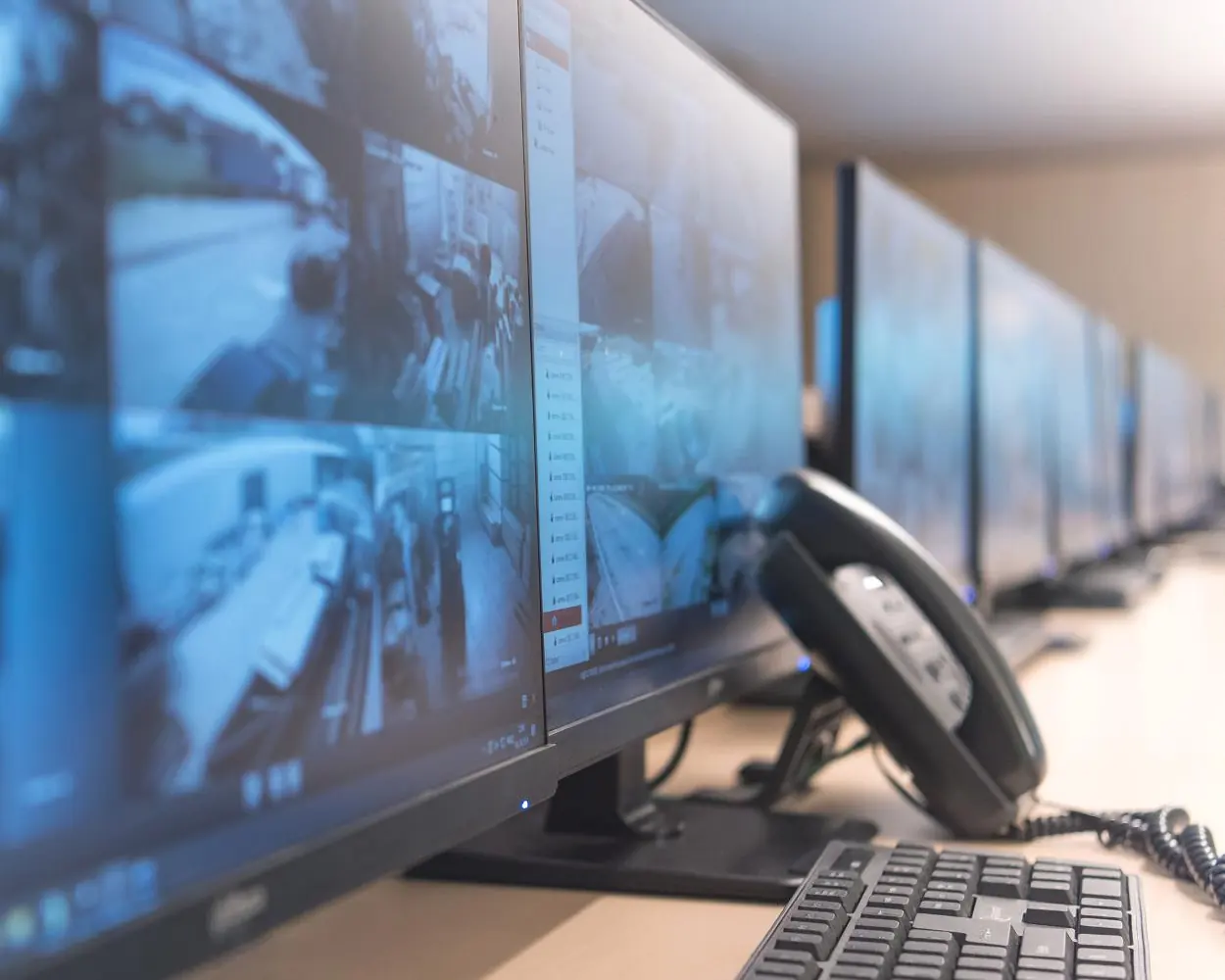
CCTV records activity, but someone still has to notice an event and act. Choose monitoring around a realistic response rather than an app icon or a contract label.
- Free site inspection and quotation
- Engineer led, no salespeople
- No callout charges for 3 months after installation
Before you buy
The main difference is who responds
Self-monitored CCTV usually sends an alert to one or more authorised people in your organisation, who then review the images and decide what to do. Professional monitoring sends relevant events to a remote monitoring team operating to an agreed procedure. Both approaches still depend on suitable cameras, detection and reliable communications.
A conventional recorder with remote viewing is not necessarily monitored. Being able to open an app after something happens is different from receiving a timely alert and having a person assess it. Define the desired response first, then select the service and technology.
MSME Security offers 24/7 CCTV monitoring with real-time alarm response as an option. Whether that is appropriate depends on the site, its risks and the procedure for handling activations. No monitoring arrangement removes the need for good camera coverage and maintenance.
Before comparing services, record a few realistic scenarios. Consider a person climbing a fence on a Sunday night, a vehicle entering after hours and a camera going offline during a holiday. For each one, write down who should know, how quickly they need to know and what action they are allowed to take. The answers show whether internal alerts are sufficient.
What self-monitoring requires from your team
Decide which events generate alerts and which authorised users receive them. An app that reports every moving branch or passing vehicle quickly becomes background noise. Detection zones and schedules should reflect genuine risks while avoiding unnecessary processing of people's images.
Nominate enough trained people to cover working hours, holidays and absence. Write down what they should check, when to contact a manager or keyholder and when to contact the emergency services. Staff should not be expected to attend a potentially dangerous situation alone merely because they received a notification.
Remote access must be controlled. Use individual accounts, remove leavers promptly and protect administrator credentials. Test what happens if a phone is lost, the app is logged out or the site's broadband connection fails.
Potential fit
A site with reliable on-call staff, clearly defined alerts and a safe response process may prefer to manage events internally.
Common weakness
Alerts depend on busy individuals noticing them, understanding the image and knowing the next step at any hour.
What professional monitoring adds
A monitoring service receives agreed events and follows documented instructions. Depending on the design, operators may review video associated with an intruder alarm or camera analytic, contact nominated keyholders or escalate according to the agreed service. The exact scope must be written down rather than assumed.
Ask which events are transmitted, what operators can see, how they verify activity and what records are kept. Clarify response procedures for faults and communication loss as well as suspected intrusion. Police attendance should never be assumed from the presence of cameras or a monitoring contract.
Remote monitoring introduces data-sharing and access arrangements. Establish which organisation is responsible for each activity, what information is supplied and how long relevant records are kept. Camera use and disclosure still need to follow data protection requirements.
Connectivity and system health matter in both models
Video alerts require a working camera, detection logic, recorder or platform, network connection and receiving service. A failure at any point can stop the intended response. Consider backup communication where the risk justifies it and make sure someone is notified about important faults.
Remote viewing also needs adequate upload capacity and a router configuration agreed with the people responsible for IT. Test during normal network use rather than when the building is empty. Record the expected behaviour during broadband and power interruptions.
Regularly review event history and false alerts. A change to lighting, foliage, traffic or working hours can produce a flood of unwanted activations. Maintenance should include the response chain, not just the camera image and recorder.
- Write an escalation procedure for genuine events and system faults.
- Test alerts at the times the site is normally unattended.
- Keep individual user access and contact lists up to date.
- Review false activations and communication failures after every change.
Compare the operational commitment
For self-monitoring, estimate the internal time required to manage alerts, users, footage and out-of-hours response. For professional monitoring, compare the agreed service level, event filtering, reporting and recurring charges. Neither option is free of administration.
A combined approach can suit some sites, with internal managers receiving selected events while a monitoring service handles agreed out-of-hours activations. Avoid sending every event to everyone without clear ownership. The final procedure should identify one unambiguous route from detection to a safe, appropriate response.
FAQs
Monitored vs self-monitored CCTV: frequently asked questions
Does remote viewing mean my CCTV is monitored?
No. Remote viewing lets authorised users check footage. Monitoring involves defined events being reviewed and escalated under an agreed procedure.
Will monitored CCTV guarantee a police response?
No. Escalation depends on the event, service arrangement and applicable police requirements. Ask the provider to explain the procedure without making assumptions.
Can monitoring be used only outside working hours?
Many systems can use schedules or agreed operating procedures. Define exactly when each event route is active and who controls changes.
Further reading
Related commercial security guides
Reducing intruder false alarms
Investigate detector choice, layout changes, user routines and maintenance instead of repeatedly resetting an unreliable alarm.
Read the guideMonitored vs unmonitored alarms
Compare audible-only alerts, app notifications and alarm receiving centre monitoring, including keyholders and escalation.
Read the guideCCTV footage retention
Set and document a CCTV retention period around your purpose, incident handling and storage rather than following an arbitrary number of days.
Read the guide
Sources
External references used for this guide
Who responds when your CCTV detects a problem?
Discuss your camera coverage, out-of-hours risks and response procedure with an engineer before choosing a monitoring arrangement.
Free site inspection
Discuss commercial CCTV monitoring
Tell us when your premises are unattended, who currently receives alerts and how activations are checked and escalated.
Or email info@msmesecurity.co.uk
- Monday to Friday: 9am to 6pm
- Saturday and Sunday: 11am to 5pm