
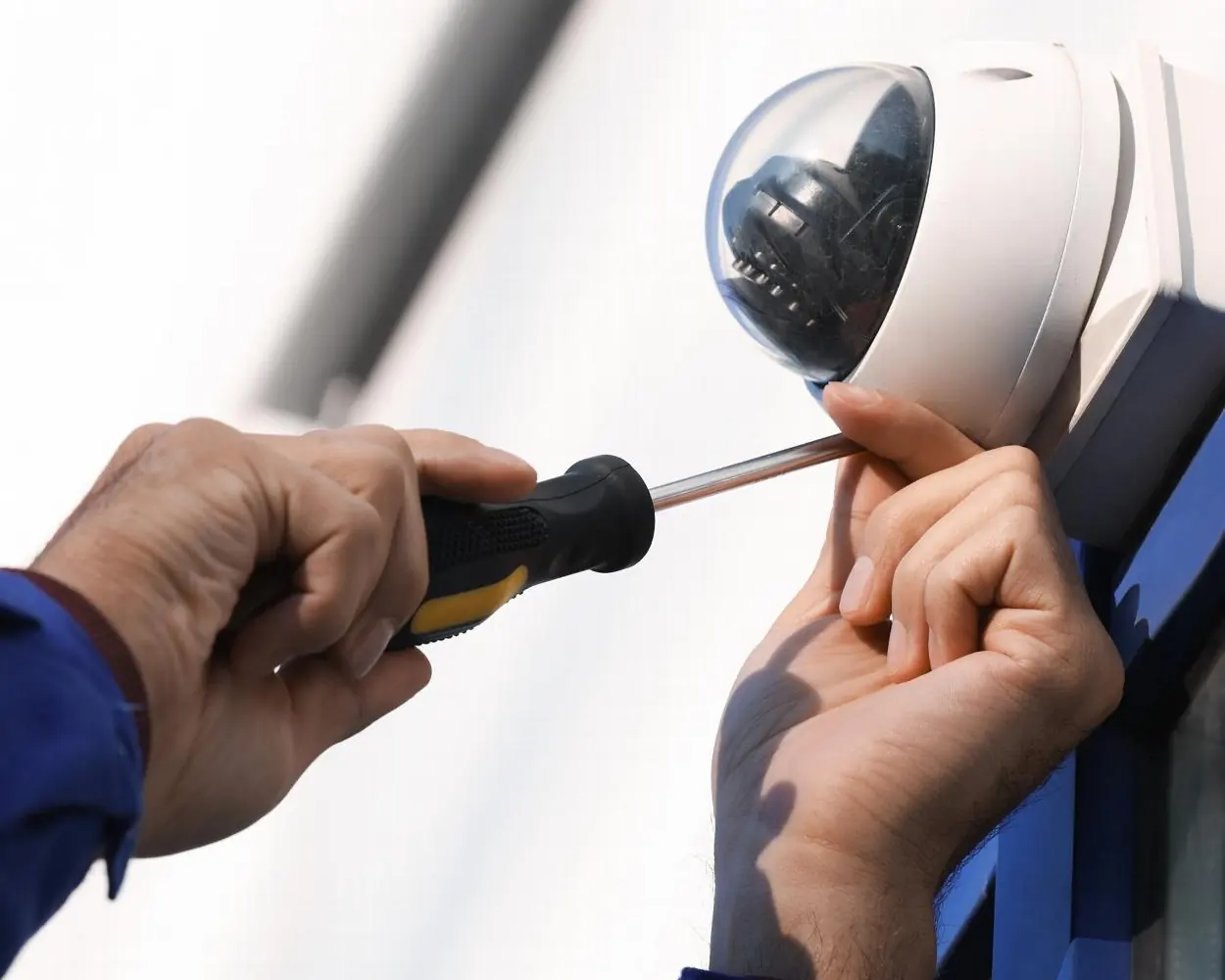
Commercial CCTV guidance
Upgrading an existing CCTV system without losing useful assets
An upgrade does not always require replacing everything. Start by identifying what works, what limits the system and which existing assets can support the evidence and security requirements you now have.
- Free site inspection and quotation
- Engineer led, no salespeople
- No callout charges for 3 months after installation
Before you buy
Audit the installation before selecting replacements
An old system may combine sound cabling, tired cameras and a recorder that no longer receives support. Another may have modern cameras in unsuitable positions. Replacing equipment by age alone can miss the issue that actually weakens the recording.
List the incidents the business needs to investigate and compare them with current coverage. Review real exports where available, including difficult lighting. This separates genuine requirements from a general impression that newer equipment must produce better results.
Survey the infrastructure and record ownership of accounts, software licences and documentation. A phased project needs a reliable starting point, especially when several installers have modified the system or original passwords and drawings are missing.
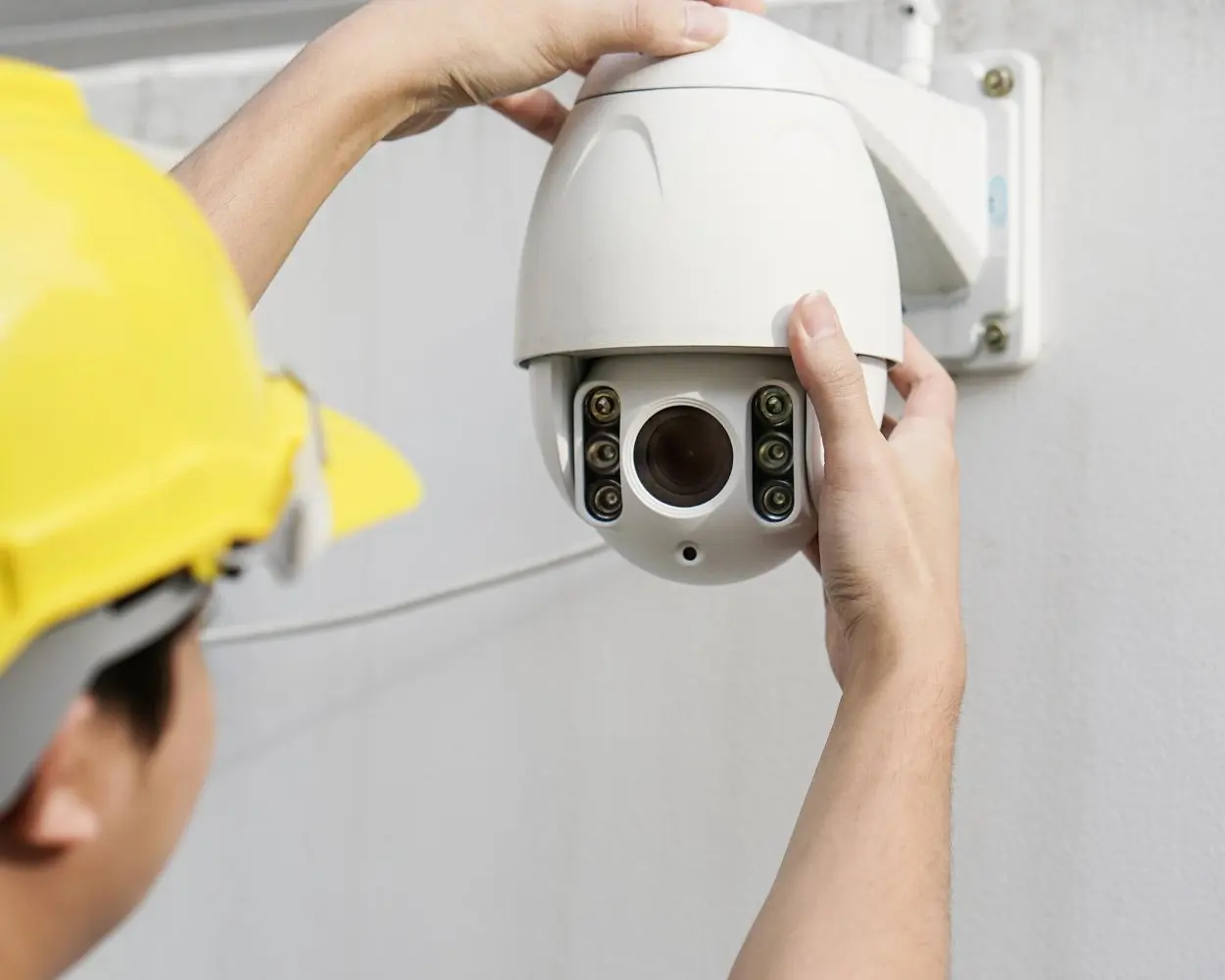
Assess cable reuse on evidence, not appearance
Existing coaxial cable may support compatible replacement analogue equipment or suitable transmission devices, depending on its condition, length and specification. Do not assume every old cable can carry every modern signal format simply because the connectors fit.
Existing network cable also needs assessment. Check its category, termination quality, route, length and test results, together with the power requirements of the proposed cameras. A cable that carries data intermittently may become unreliable under higher load or increased power demand.
Inspect outdoor joints, containment and water ingress. Retaining a concealed route can reduce disruption, but hidden defects may justify replacement while access is available. Record what was tested, which sections will be retained and any limitations accepted by the business.
Check recorder and camera compatibility in detail
A hybrid recorder may accept a combination of supported analogue and IP cameras. Its actual channel limits, supported formats and recording capabilities determine whether it suits the transition. Product descriptions alone do not establish compatibility with every existing camera.
Confirm resolution, frame rate, codec support and aggregate recording throughput. Also check less obvious functions such as audio, analytics, event recording and camera configuration. A device may display a picture while losing a feature on which staff previously relied.
For network equipment, interoperability claims need practical verification. Confirm the specific functions available between the selected products and retain a sample recording. Include the normal playback and export tools, not just the installer's temporary live-view screen.
Prioritise improvements by operational risk
Start with views that currently fail important tasks: an entrance without recognisable detail, a till obscured by fittings or a yard view lost in darkness. Correct positioning and lighting where needed rather than automatically placing a new camera on every old bracket.
Consider cyber support as well as image quality. An unsupported internet-connected recorder may deserve early replacement even if its pictures still look adequate. Plan secure remote access and ownership of business accounts as part of the upgrade scope.
Create a phase plan with clear outcomes. Each stage should leave a usable system with understood limitations, rather than a collection of partially connected products. Identify dependencies such as new switches, recorder capacity or electrical work before committing to the sequence.
Protect recording continuity during the change
Agree the permitted downtime for each area and how staff will manage any temporary gap. Where the risk warrants it, consider temporary coverage or overlapping operation. Record when cameras move between recorders so later searches can follow the correct history.
Important incidents on the old recorder need an explicit preservation decision before equipment is removed or overwritten. Export relevant material securely, check playback and document where it is held. Do not keep all historical footage indefinitely merely because migration feels safer.
Check time settings across old and new equipment during any overlap. Misaligned clocks can make an incident difficult to reconstruct across multiple views. Record any known discrepancy that affects retained footage rather than silently assuming every timestamp is accurate.
Commission the finished system as a whole
Test every retained and replacement camera under the conditions that matter to its task. Confirm recording schedules, image settings, storage assumptions and permissions. An upgrade is not complete simply because all the live-view tiles show a picture.
Provide an updated drawing, equipment schedule, support contacts and account handover. Record cable test findings and any agreed residual limitations. Make sure the business controls recovery details and can change maintenance provider without losing practical access to its own recordings.
Remove redundant accounts and arrange secure treatment of retired recording media. Revisit the phase plan after normal operation to confirm that the intended problems have been solved. Use that evidence to guide later work rather than expanding by habit.
FAQs
Upgrading existing CCTV: frequently asked questions
Can analogue cameras stay during an IP upgrade?
Sometimes. A compatible hybrid arrangement or separate temporary recording may support a phased transition. Confirm supported formats and functions, and compare the operational complexity with the benefits of retaining the older cameras.
Will old cable limit picture quality?
It can, depending on cable type, condition, distance and the selected technology. Inspection and testing are needed before promising reuse. Faulty connections and water ingress can matter as much as the original cable specification.
Should we keep the old recorder as a backup?
Only for a defined purpose with appropriate security and retention controls. An unsupported recorder should not remain connected indefinitely. Preserve necessary evidence separately and plan secure disposal when the equipment is no longer needed.
Further reading
Related commercial security guides
Retail shop CCTV
Retail CCTV needs to explain what happened during ordinary trading, not merely show that people were present. Plan complementary views around customer routes, transactions and stock movement while respecting privacy.
Read the guideANPR for business premises
Automatic number plate recognition can help identify vehicle movements, but reliable results depend on the entrance layout, capture conditions and the rules applied after a plate is read.
Read the guideRemote business CCTV viewing
Remote viewing should give authorised people the right pictures without exposing the recorder or disrupting everyday connectivity. Start with access needs and connection limits, not just the app download.
Read the guide
Sources
External references used for this guide
Upgrade the weak points first
Arrange a free site inspection and consultation with MSME Security to assess existing equipment, identify useful assets and plan a practical sequence for commercial CCTV improvements.
Free site inspection
Request an existing CCTV system assessment
Share the current camera count, recorder details and known faults, together with the areas you cannot leave unrecorded during work. Mention any drawings or cable test information already available.
Or email info@msmesecurity.co.uk
- Monday to Friday: 9am to 6pm
- Saturday and Sunday: 11am to 5pm