
Installation guide
Intruder alarm installation for business premises: what to expect
A burglar alarm only protects a business if it is designed around the building, fitted carefully and set up so staff can arm and disarm it without trouble.
- Free site inspection and quotation
- Engineer led, no salespeople
- No callout charges for 3 months after installation
Before you buy
A good installation fits the way your premises are used
Intruder alarms and burglar alarms are the same thing, and the installation process is broadly similar whether you run a small office or a large warehouse. What changes is the number of detectors, the zones and how alerts are sent.
This guide sets out the usual stages, so you know what information to have ready, what the engineers will be doing and what you should be shown before they leave.
If your insurer has specific requirements, such as a particular grade or type of signalling, share them before the design is finalised. Changing the design later costs time.

The survey and risk discussion
The engineer looks at entry points, valuable stock or equipment, roof lights, yards and how people move through the building at opening and closing time. Previous break-ins or attempted entries are worth mentioning.
They will also ask who opens and locks up, whether some areas are used out of hours and whether anyone works alone. These answers shape the zones and the way the system is set.
Expect questions about insurer requirements and whether you want alerts to go to keyholders, a monitoring centre or both. Those choices affect the panel and signalling equipment specified.
Design and specification
The design lists every detector, contact and keypad with its location and zone. Typical devices include movement detectors in open areas, door contacts on entrances and shock or vibration sensors where forced entry is a concern.
Zones and part setting let parts of the building stay in use while others are armed. A design that ignores how staff actually work tends to cause false alarms or gets left unset.
Ask for the system grade and signalling method to be stated in the quotation. Comparing two quotations is much easier when both describe the same level of protection.
Fitting the panel, detectors and sounders
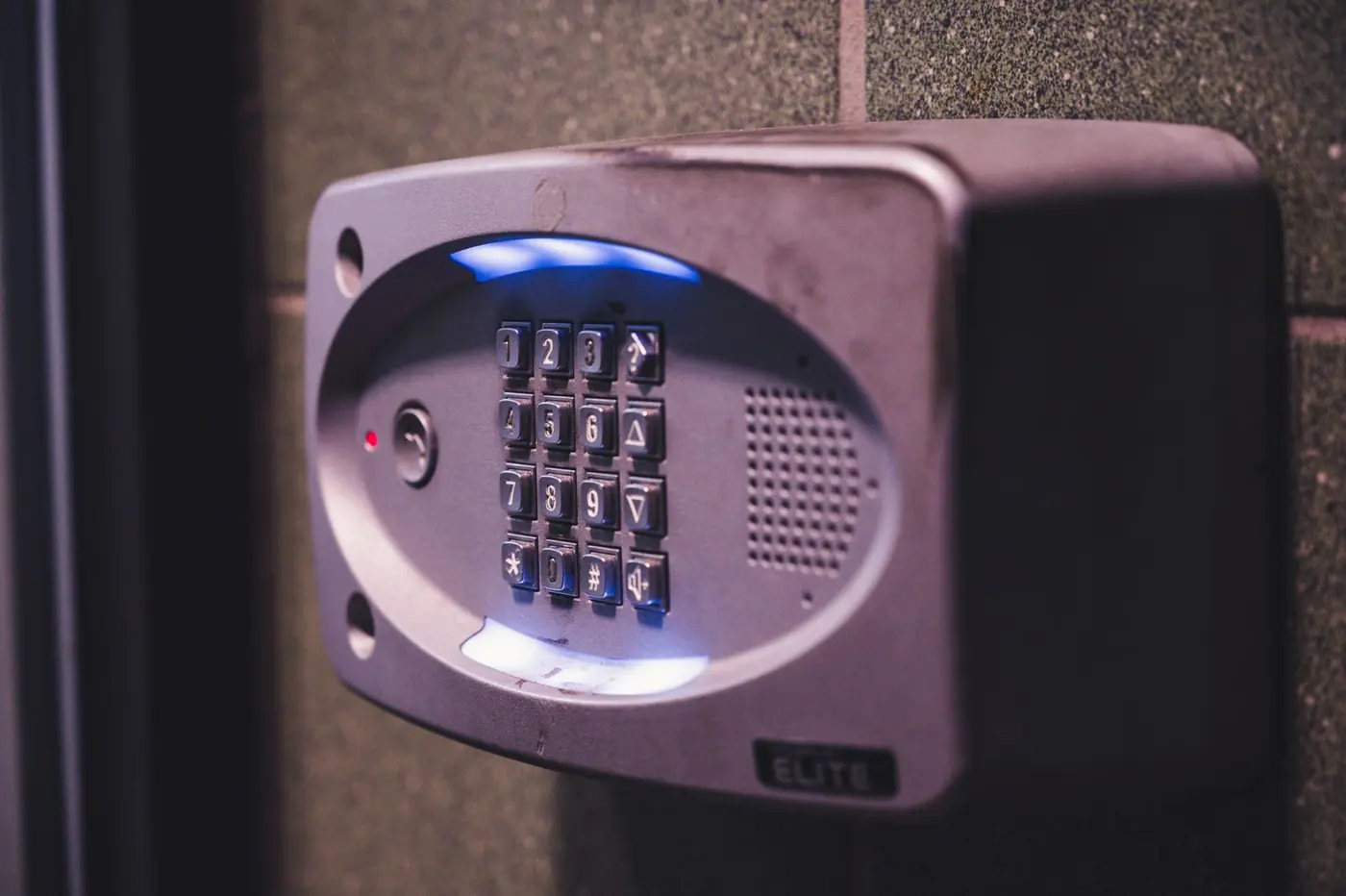
The control panel is fitted in a protected location, usually inside the alarmed area, with keypads at the entry points staff use. External sounders are mounted high and visible as a deterrent.
Detectors are positioned to avoid heaters, moving stock, sunlight and air vents, which are common causes of false alarms. Wired systems need cable routes; wireless devices need a signal survey.
The panel needs a fused mains supply and standby battery. Any new mains wiring should be done by a competent electrician to current regulations, never as a do it yourself job.
Programming, signalling and testing
Each device is named so the panel shows exactly where an alarm came from. Entry and exit routes, timers and part set options are programmed to suit your opening routines.
Signalling to keyholders or a monitoring centre is set up and tested end to end. A system that sounds locally but fails to send an alert may give a false sense of security.
Every detector and contact is walk tested before handover. Ask to see this done, particularly in areas such as warehouses where detection range matters.
Handover and user training
Each user should have their own code or fob so you can see who set and unset the system. Remove shared codes, and change any engineer defaults.
Staff who lock up should practise setting the alarm, using part set and dealing with a false alarm. Clear, short instructions near the keypad help.
Keep the design, user list and keyholder details up to date, and arrange regular maintenance so batteries, detectors and signalling are checked.
- Zone list matching the doors and rooms in your building
- Individual user codes or fobs for each keyholder
- Tested signalling to the agreed recipients
- Written setting and unsetting instructions
Living with the system after installation
The first few weeks show whether the design suits daily routines. Note any false alarms, confusing keypad steps or areas staff find awkward to set, and raise them with the installer while the job is still fresh.
Review the keyholder list whenever staff leave or responsibilities change. Delete codes and fobs for people who no longer need access, and make sure at least two keyholders can attend if the alarm activates.
Check the external sounder, any lighting near entrances and the condition of door contacts as part of normal premises checks. Report damage promptly rather than waiting for the next maintenance visit.
If the building changes, such as new partitions, racking or a change of use, ask for the detection to be reviewed. A design that suited the original layout can leave gaps or cause nuisance alarms after alterations.
FAQs
Intruder alarm installation: frequently asked questions
Is a burglar alarm the same as an intruder alarm?
Yes. Both terms describe a system that detects unauthorised entry and raises an alert. Commercial specifications usually say intruder alarm, but the installation process is the same.
How long does a business alarm installation take?
Small premises can often be completed in a day, while larger or multi-building sites take longer. The survey should give a realistic programme based on the number of devices and cable routes.
Should we choose a wired or wireless system?
Both can work well. Wired suits new fit-outs and larger buildings, while wireless reduces disruption in finished interiors. The survey should recommend what suits your building.
Will our insurer need details of the new alarm?
Often yes. Many insurers ask about the grade, signalling and maintenance arrangements. Check your policy before installation so the design meets any conditions.
Further reading
Related commercial security guides
Choosing an intruder alarm
Assess detection, grading, zones, signalling and the response to an activation, with realistic commercial installation and monitoring allowances.
Read the guideIntruder alarm grades
An intruder alarm grade describes the level of security the system is designed to provide. It is not a score for loudness, convenience or the number of detectors fitted.
Read the guideZones and part setting
A well-planned alarm follows the way people use the building. Zones, setting areas and entry routes should let authorised staff work safely without making gaps in protection difficult to see.
Read the guideWired vs wireless intruder alarms
Compare installation, batteries, radio conditions, expansion and maintenance when choosing commercial intruder alarm detection.
Read the guide
Sources
External references used for this guide
Planning an intruder alarm?
Arrange a free site inspection and consultation so an engineer can look at the building, talk through how it is used and explain the options in plain terms.
Free site inspection
Discuss your intruder alarm installation
Tell us about the building, opening hours and any insurer requirements, and we will arrange a site inspection.
Or email info@msmesecurity.co.uk
- Monday to Friday: 9am to 6pm
- Saturday and Sunday: 11am to 5pm